32
Other Settings
Backlight
Under this Backlight setting, you are able to set a time to turn off the backlight of the
LCD Display automatically.
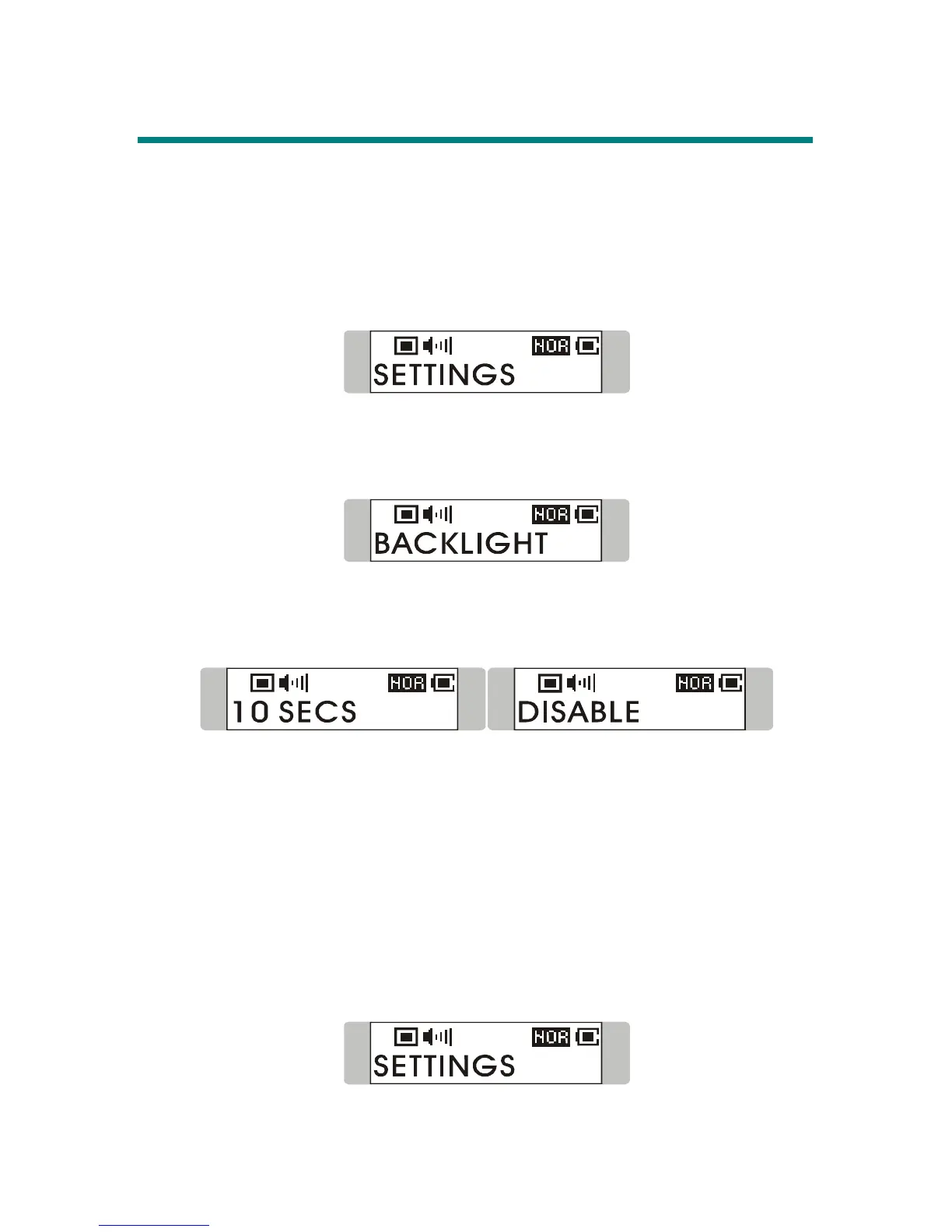
1. Press down Menu button once, and then push Menu button to the right until
SETTINGS appears on the display.
2. Press down Menu button again, and then push Menu button to the right to
select BACKLIGHT. Once the massage of BACKLIGHT appears on the
screen, press down Menu button again.
3. Now push Menu button to the right or to the left to select a desired time to turn
off the backlight of the LCD Display. If select DISABLE, and the backlight of
the LCD Display will be disabled.
4. When a selection is decided, press down Menu button once to confirm the
selection, and the message shown on the display will return to BACKLIGHT.
Note: Backlight setting will not be functioning as you set when the Hold
Switch is switched to LOCK position, or it is in recording mode.
Contrast
Under this Contrast setting, you are able to set the contrast of the Display.
1. Press down Menu button once, and then push Menu button to the right until
SETTINGS appears on the display.
2. Press down Menu button again, and then push Menu button to the right to



 To Next Page