17
Chapter 4. Basic Usage
Power On and Off
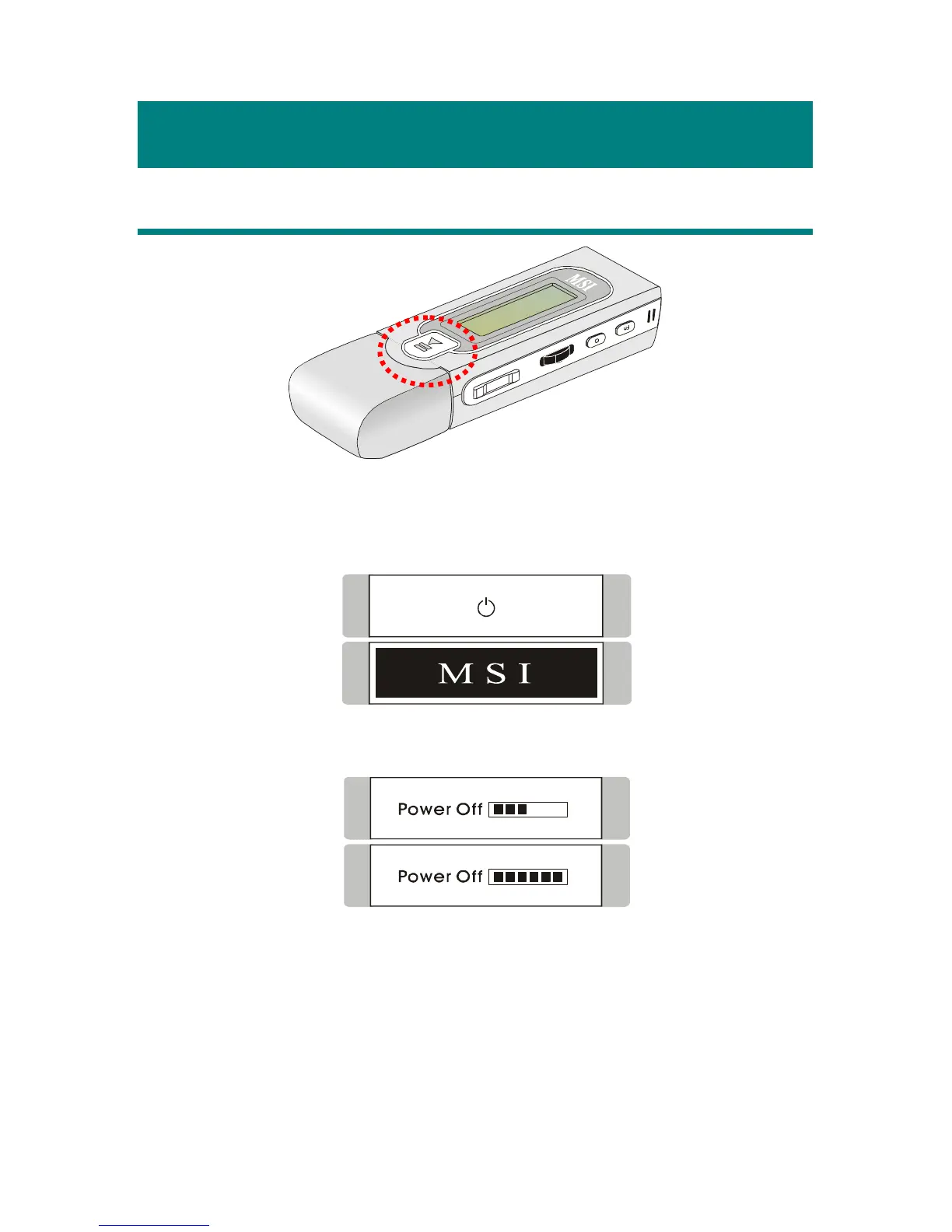
1. Press the Play/Pause [] button once to turn the power on. When power on
MEGA STICK, a power on icon and MSI startup logo will be shown on the
display.
2. To power off MEGA STICK, press and hold the Play/Pause [] button
until the power is switched off.
Note that when pressing the Play/Pause [
] button to power off MEGA
STICK, you will see a Power Off Status Bar appearing on the display to show
you the Power Off status, and note that it takes about three to five seconds to
turn the power off.



 To Next Page