39
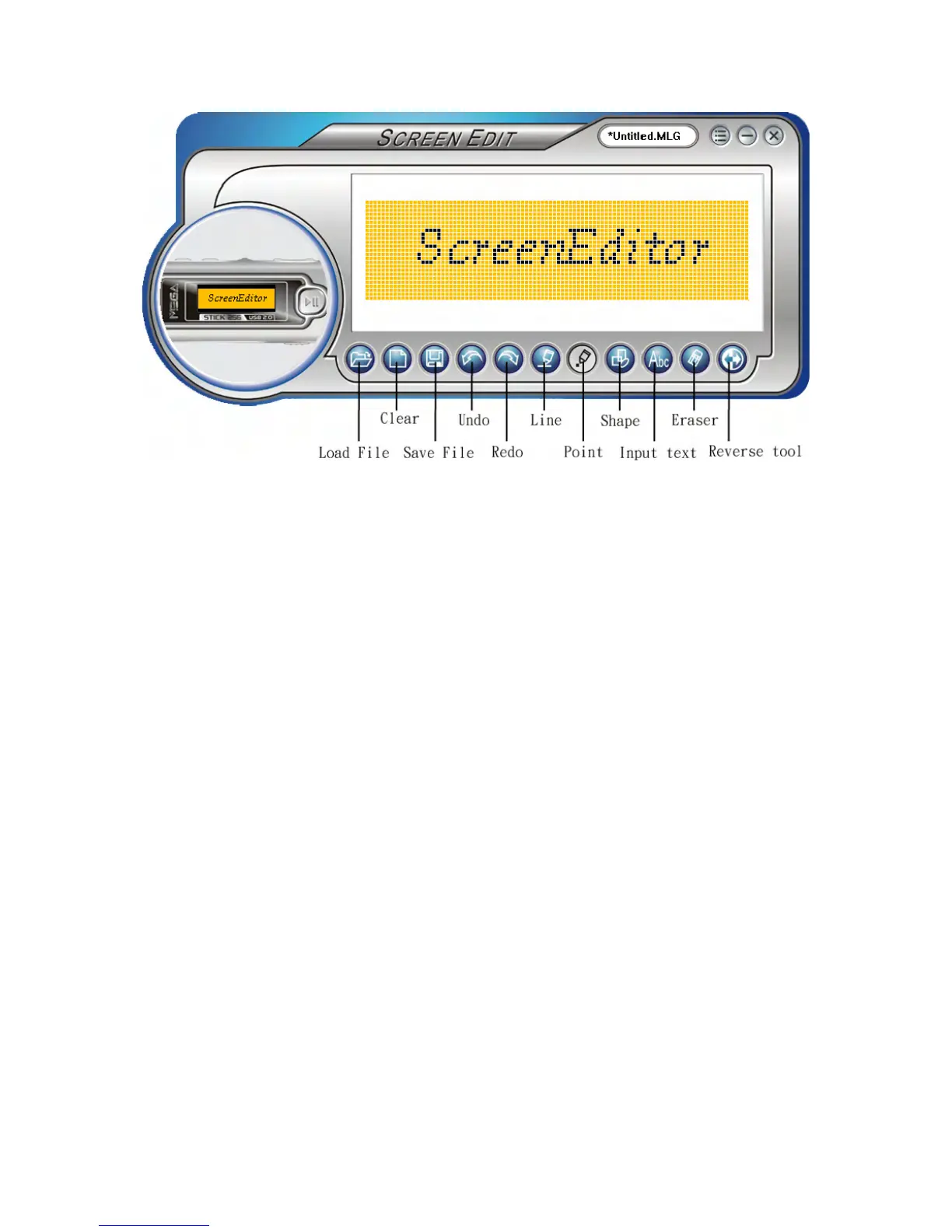
Note: after connecting the MEGA STICK to your computer, browse the drive with
Windows Explorer. You may find 10 default startup logo files (.mlg) under
root directory. You can edit/ add more logos to the folder by Screen Editor. If
you deleted all the startup logo files, the default MSI logo will be shown on
the screen when you power on the MEGA STICK. In that case, you will not
be able to change the startup logo.
Note: there can be at most 10 logo files. You have to delete one logo file before add
a new one.



 To Previous Page