2-21
Hardware Setup
▍
MS-7522
buttonS
The motherboard provdes the followng button for you to set the computer’s functon.
Ths secton wll explan how to change your motherboard’s functon through the use of
button.
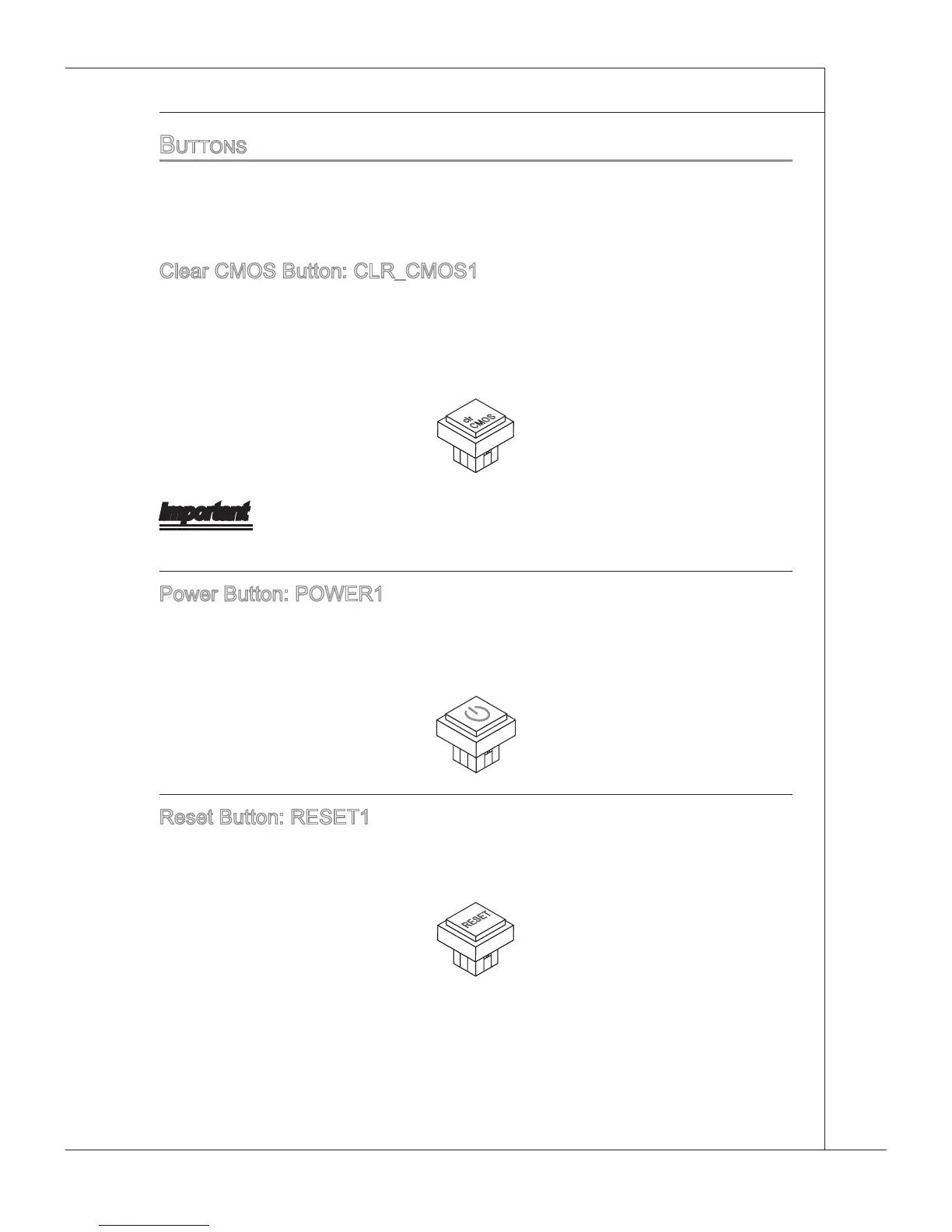
Clear CMOS Button: CLR_CMOS1
There s a CMOS RAM on board that has a power supply from external battery to
keep the system conguraton data. Wth the CMOS RAM, the system can automat-
cally boot OS every tme t s turned on. If you want to clear the system conguraton,
use the button to clear data. Press the button to clear the data.
Important
Make sure that you power o the system before clearng CMOS data.
Power Button: POWER1
Ths power button s used to turn-on or turn-o the system. Press the button to turn-on
or turn-o the system. Ths button wll lght after you power-on the system, and the lght
wll turn-o when you power-o the system.
Reset Button: RESET1
Ths reset button s used to reset the system. Press the button to reset the system.
Ths button wll lght when the system s n S0 status.







 To Next Page