80
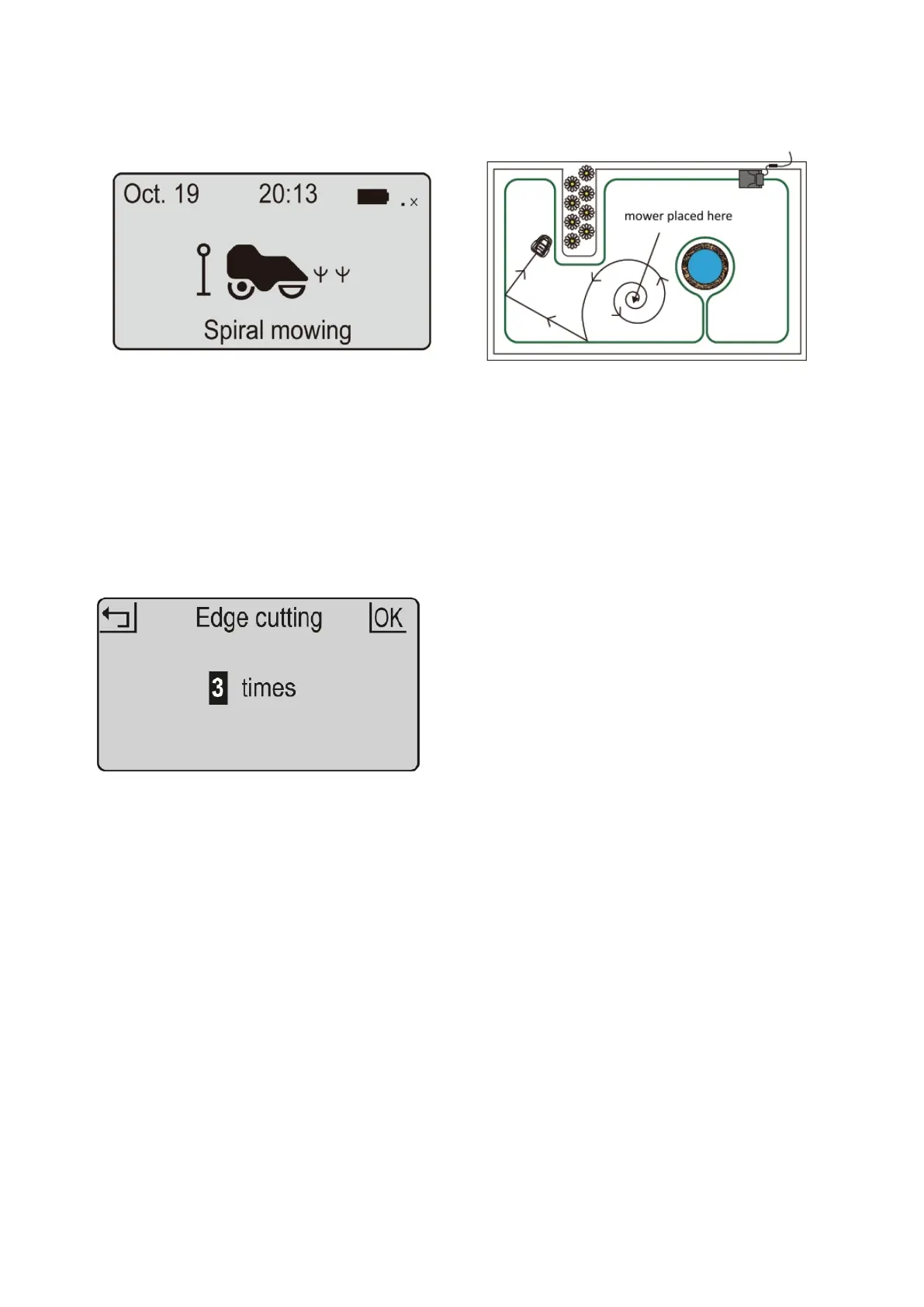
Spiral mow
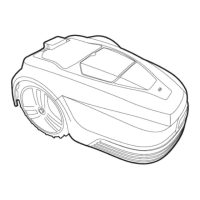
Edge Cutting
1. Place the mower in the garden.
2. Press OK button to enter sub-menu 1.
3. Select „Spiral mowing“.
4. Close the cover to start.
The mower can be placed within the perimeter
boundary and that the spiral mow function will
mow in relatively uniform spiral pattern for 5
minutes. This is useful when you want to cover a
specific area or clear grass on the first mow more
quickly.
1. Press OK button to enter sub-menu 1.
2. Select “Setting” to enter sub-menu 2
3. Select “Edge cutting”.
4. Set the weekly execution frequency
1-5 times.( default is 3 times).
5. Press OK to confirm setting.


 To Next Page