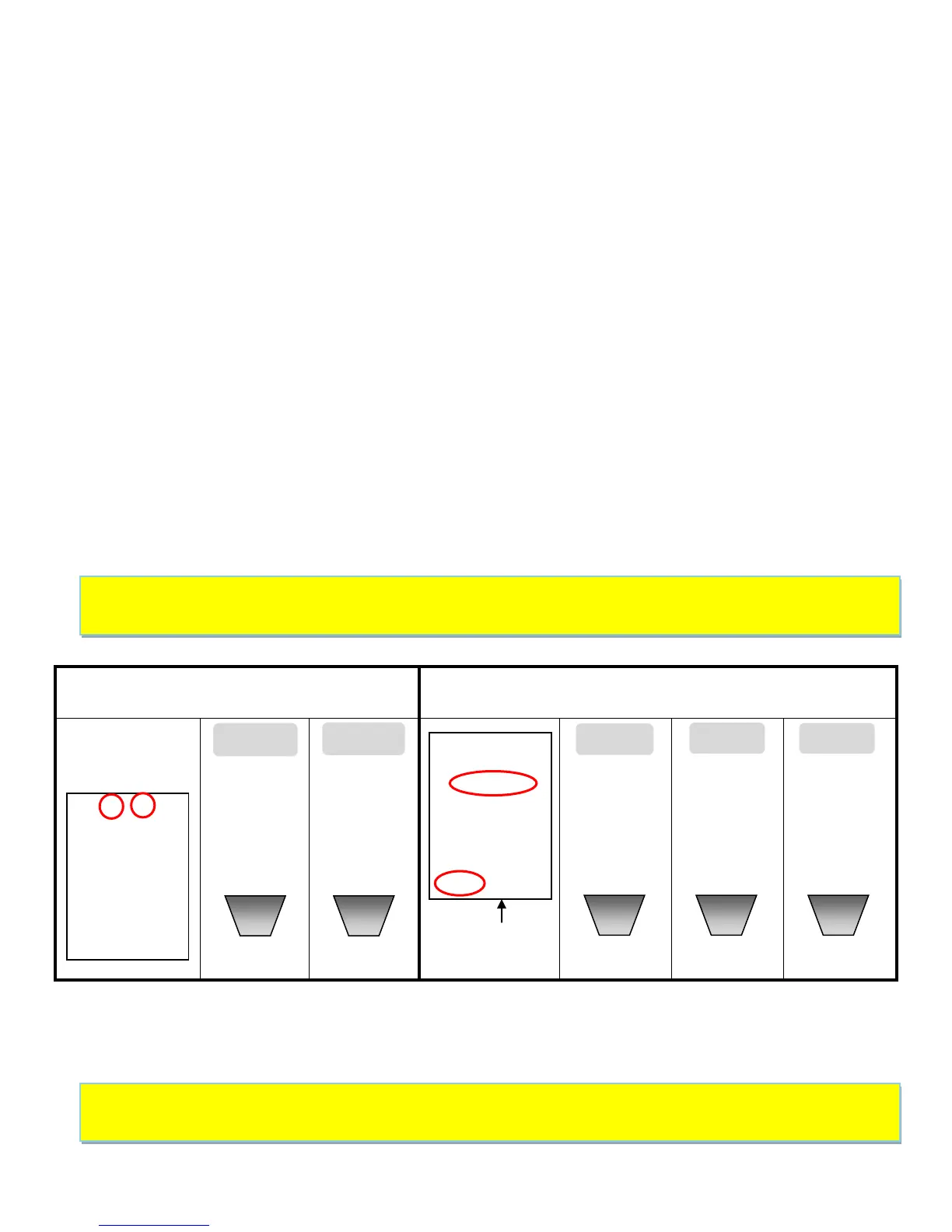
Changing Default (Factory) Settings for TOU :
The default factory setting ʺTOUʺ tariff (based on Ontario Hydro tariff System) is as described on page 11. To
make changes, please follow the instructions below.
NOTE : When in Setting Mode, use ▲ or ▼ key to select TOU symbol, then press MODE/ SET key to confirm
and enter in selection. Refer to instructions ‘Scrolling Through the Setting Modes’ on page 8 to learn how to
enter selection.
1. Set the Starting Month for Season 1 (Summer), use the ▲ or ▼ key to select the value for the Month,
followed by the MODE/SET key to confirm.
2. Select the Starting Day for Season 1 (Summer), use the ▲ or ▼ key to select the value for the Day,
followed by the MODE/SET key to confirm.
3. Starting with Tariff 1 (Summer), set the four tariff rate periods applicable to every day in the Weekday,
Monday to Friday. To change the tariff rate value use the ▲ or ▼ key, to confirm the value press the
MODE/SET key. Do this until all values for the Tariff 1 are selected.
4. After Tariff 1 is set, the Start Time for Tariff 01 (Summer) needs to be set. To set the Hour, use the ▲ or
▼ key to select the Hour value and press the MODE/SET key to confirm.
5. Now set the Minutes value for the Start Time of Tariff 01 (Summer). To set the Minutes, use the ▲ or
▼ key to select the Minutes value and press the MODE/SET key to confirm.
6. After completing Tariff 04, you will need to set Tariff 05. Since it is a fixed tariff for the weekend,
Saturday and Sunday, only the tariff rate needs to be set. To change the tariff rate value, use the ▲ or
▼ key; to confirm the value, press the MODE/SET key. See top of page 11.


 To Next Page