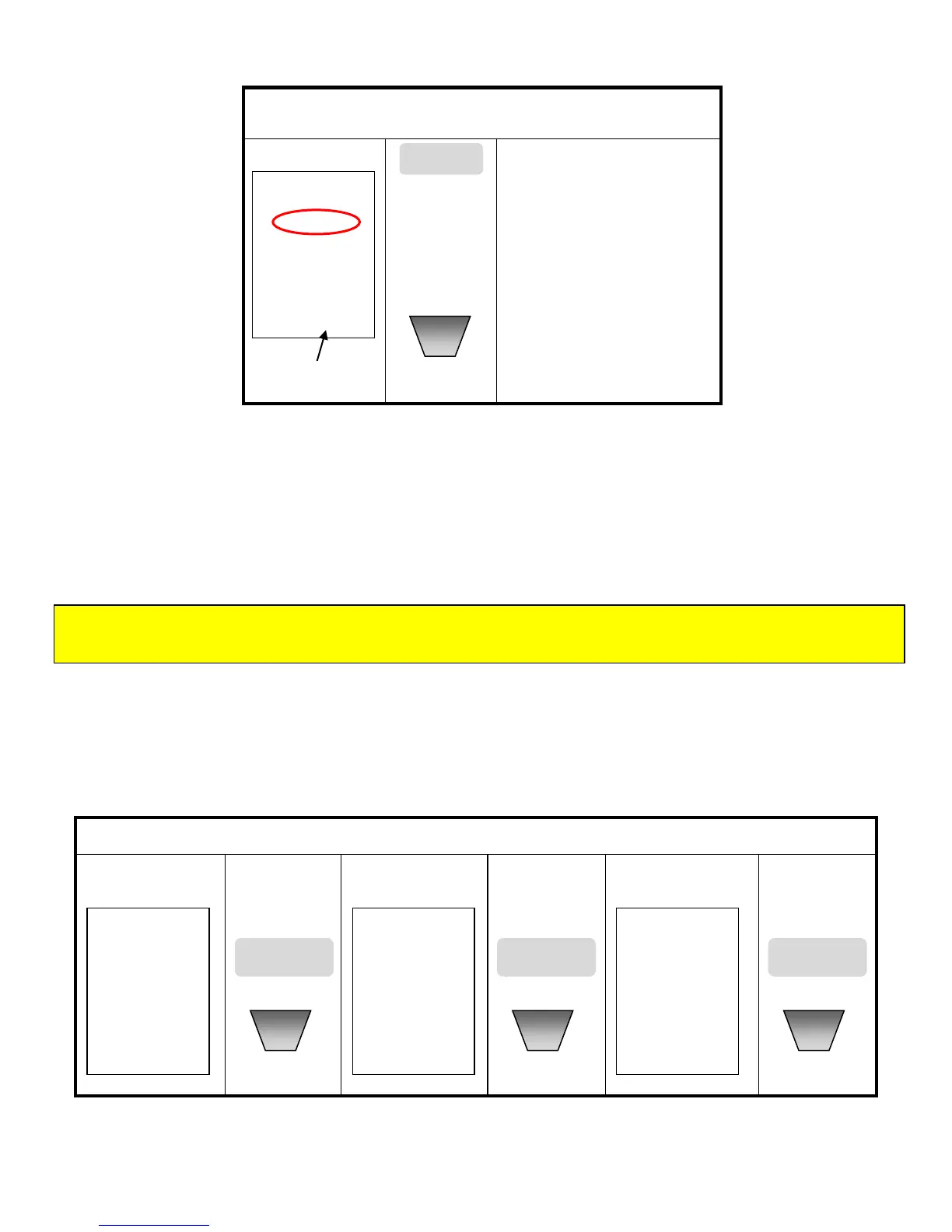
NMP (Normal Meter Pricing) Tariff setting
Normal Meter Pricing (NMP) includes three different tariff setting modes, applicable to every day of the
week. These tariff modes are :
Single Tariff Setting : Set one fixed tariff rate throughout the day, for every day of the week
Two Tariff Setting : Set two tariff rates for different periods of the day, for every day of the week.
Three Tariff Setting : Set three tariff rates for different periods of the day, for every day of the week.
1. When in Setting Mode, use▲ or ▼ key to select NMP symbol, then press MODE/SET key to confirm
and enter in selection. Refer to instructions ‘Scrolling Through the Setting Modes’ on page 7 to learn
how to enter selection.
2. Once in the NMP selection, you must now select a (Single-Tariff (NMP1), 2-Tariff (NMP12) or 3-tariff
(NMP123), by using the ▲ or ▼ key. See instructions below.
NOTE : If the NMP tariff system does not meet your actual situation, please ignore the NMP Tariff setting by
pressing ▲ key to go back to TOU tariff.


 To Next Page