The LCD screen displays current measurements of level, tem-
perature, and volume. During programming, the screen dis-
plays parameters and prompts the user for information.
?
?
?)X?W2@@@@@@@@e?@e?@@@@@e@?@@@@?@f?@@6T&f@??)T2@@?
?@1?7@e@V'Xf?@e?@eW@L?@?@?e?@f?@?S@@f@??@@Ue?
?@@T@@e@?V4@6X??@e?@@@0R)T5?@@@@?@f?@@0Y@f@??@V4@6X
?@V@Y@e@?e?S,??@e?@f3@H?@?e?@f?@e?@f3=C@9??S,
?@?@?@e@?@@@0Y??@@@?@@@@?V'e@@@@?@@@e?@e?@@@eV40R4@@0Y
?
?
@@@@
@H
@?
@?
@?
?
?W&? ?
?7@?e)X?@@?W.e?)X?W-T2@6X??)X?@@?@@@@
?@@?e@)X@@W&He?@1?7@@<?B1??@)X@@e?@H
J@@Le@V@@@@@?e?@@T@@@?e@??@V@@@e?@?
7<B1e@?3@@V'Le?@V@Y@@=?C5??@?3@@e?@?
@??@e@?V4@?V/e?@?@?(R4@0Y??@?V4@e?@?
?
?
W2@6T2@@6T&??)X?)T2@@@e?W2@@?/X?W2@@@?@@@@@@@@??)X?W&
7<?B@@eS@@??@)X@@<?f?*U?eV/T&@Xf?@?@f?@1?7@
@?e@@@@@U@??@V@@@L?@@e?V4@6X?N@<I4@6X??@?@@@@??@@T@@
3=?C@@eB@@??@?3@@)KV@gS,e@?e?S,??@?@f?@V@Y@
V4@0R'e?@@??@?V+MI4@@e?@@@0Ye@?@@@0Y??@?@@@@??@?@?@
?
?
?W&?f@?W26XeW26X?@@@heW26KeW26X?@@@?W26KO26X
W&@Le?J@?.MS,e7<B)X@X?he*US@@?7<B)X@W5?.MS@@<B1
&@@)K??@@?e*U?C@=?@@@)XheS@@Ue@??@@@@Ue?*>@=?@
@V4@?N@?/KS@@@>@@@X?S,he*US)X?3=C@X?V1?/KS@>@@5
@?f@?V40M?I4@0R4@0YheV40R/?V40R4@@@?V40R4@0Y
?
?
?
?
@?f@6T.f?@@?eO.hg?
@?@@6KV@@U?W-X?@e@@@U?@@6KO2@@?f?
@?@?B@@@V1?7@1?@1?N@V1?@?B@@<?@?f?
@?@??@@@?@?3X@?@@?J@?@?@e@@=?@Lf?
@?@??@@@@@?V4@?@@?@@@@?@e(R4@@,?@?@?
?W(Yf?
?@@0Y?f?
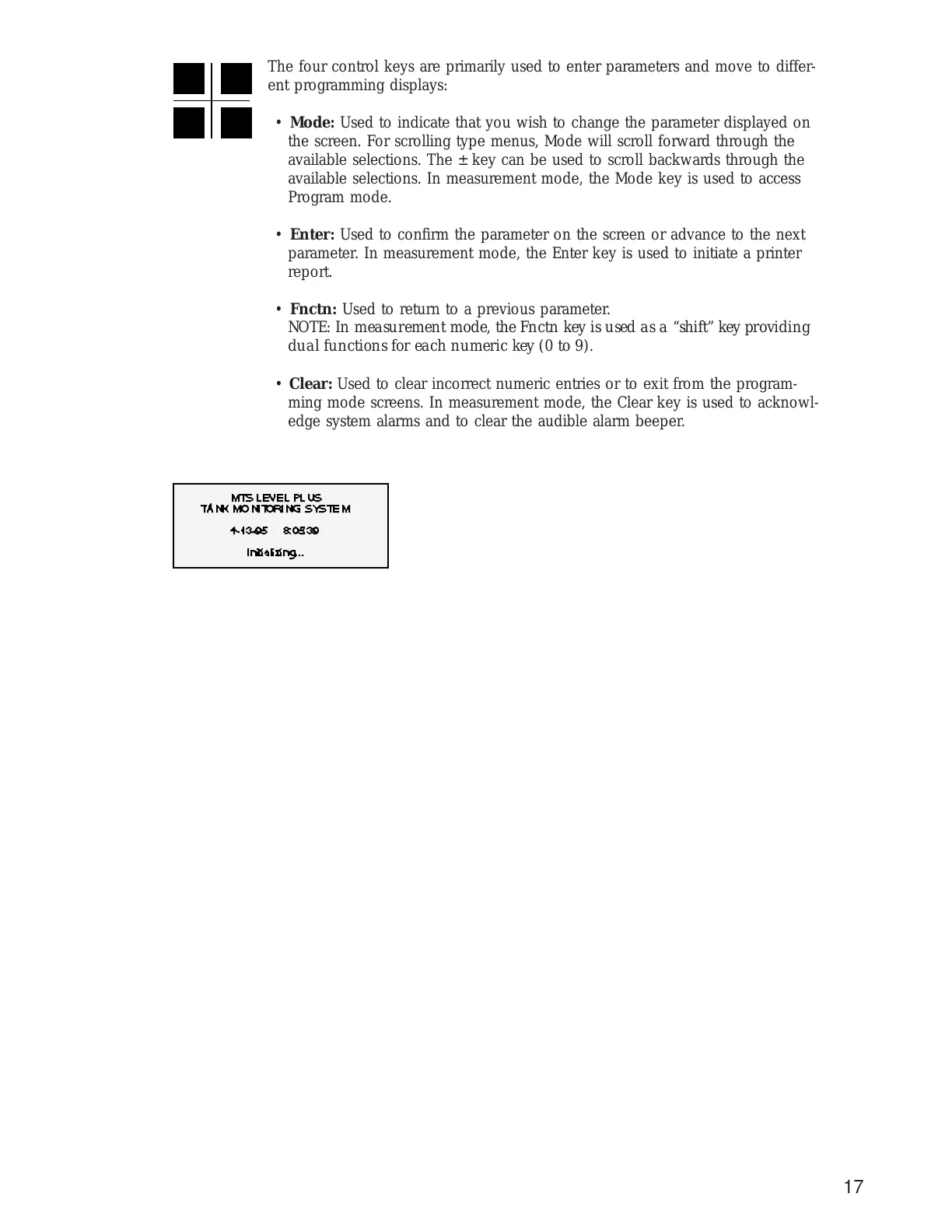
The four control keys are primarily used to enter parameters and move to differ-
ent programming displays:
• Mode: Used to indicate that you wish to change the parameter displayed on
the screen. For scrolling type menus, Mode will scroll forward through the
available selections. The ± key can be used to scroll backwards through the
available selections. In measurement mode, the Mode key is used to access
Program mode.
• Enter: Used to confirm the parameter on the screen or advance to the next
parameter. In measurement mode, the Enter key is used to initiate a printer
report.
• Fnctn: Used to return to a previous parameter.
NOTE: In measurement mode, the Fnctn key is used as a “shift” key providing
dual functions for each numeric key (0 to 9).
• Clear: Used to clear incorrect numeric entries or to exit from the program-
ming mode screens. In measurement mode, the Clear key is used to acknowl-
edge system alarms and to clear the audible alarm beeper.


 To Next Page