701333-004 5-27
Configuring the 1330 in ASCII Mode
Note: A value of 0 seconds means that if the printer is in the mode indicated by the
option or when it enters that mode, it will remain in that mode until this option
is changed to a nonzero value or until power is cycled.
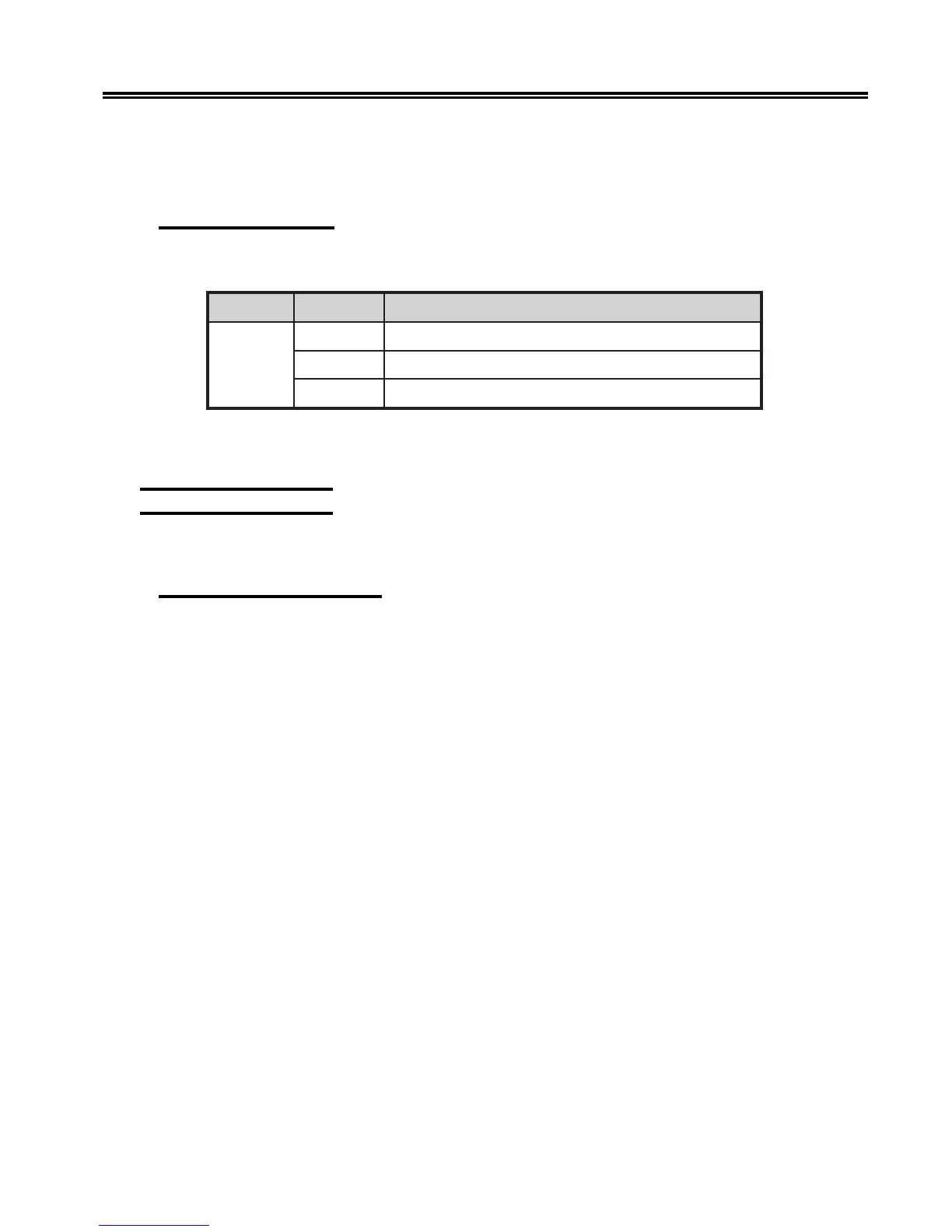
603 – Interface Type
Configuration Option 603 selects the interface type.
noitpO eciohC gninaeM
306
0)tluafed(lellaraP
1232-SR
2224-SR
To specify your choice, follow the configuration procedure that begins on Page 5-1.
Enter your choice and press the Save key.
700 Extended Keypad
The following options define the extended keypad.
701 – Print Configuration
Use Configuration Option 701 to print a list of the current configuration values. To print
this list, follow the configuration procedure that begins on Page 5-1. When the second
line of the display reads PRINT CONFIG, press the Save key. The printer prints a list of
option numbers, followed by their current values. See Figure 5-2 for a sample configuration
value printout.
Note: The sample printout on the following pages shows all the printer default values.



 To Next Page