2-18 701333-004
Preparing to Operate the 1330
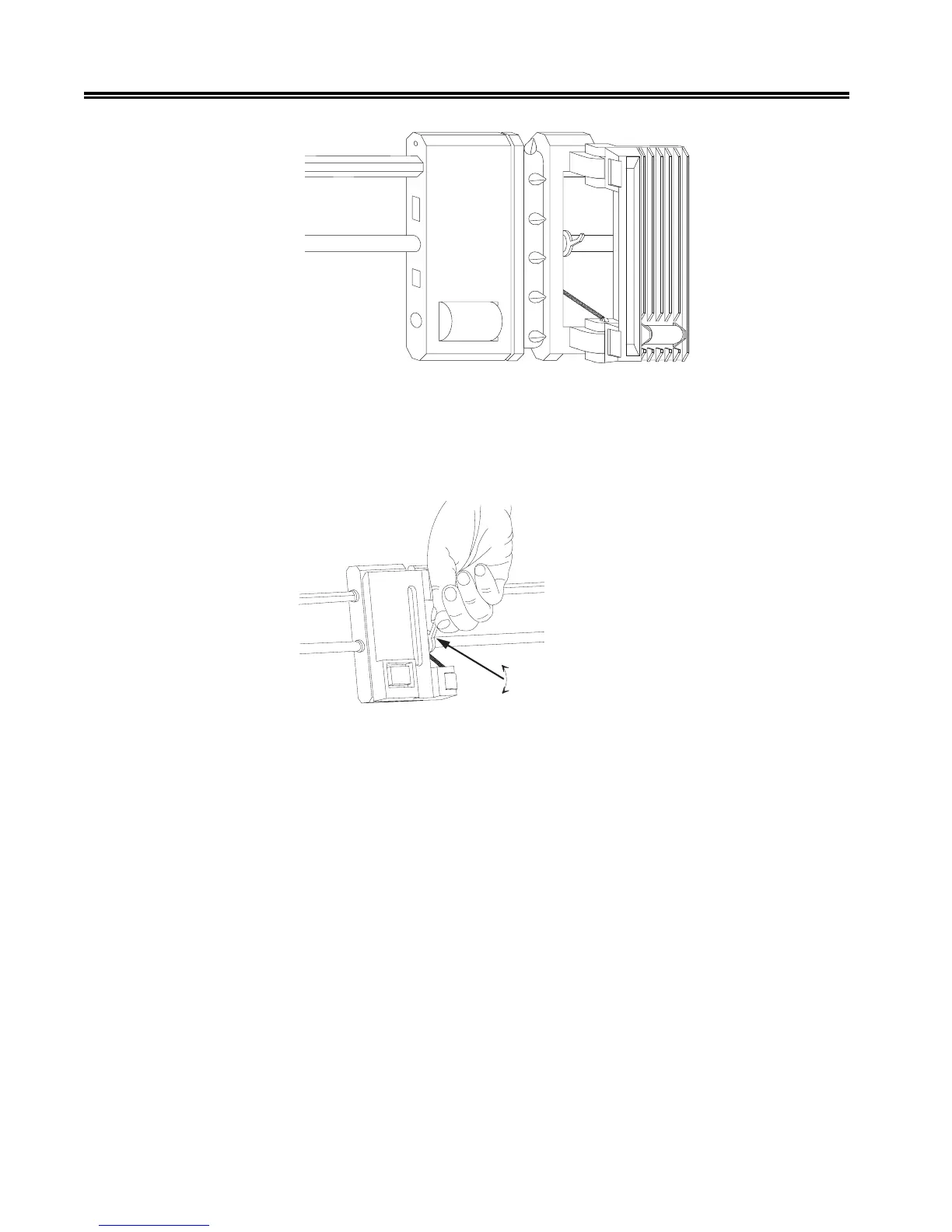
Figure 2-15. Open Tractor Door
4. If the right forms tractor has not been adjusted for the paper width, loosen the tractor
by flipping the lever up, as illustrated in Figure 2-16. (Note that the left tractor
cannot be adjusted.)
Figure 2-16. Flipping the Tractor Lever
5. Insert the paper through the front slot (see Figure 2-17). Continue hand feeding the
paper until the top of the paper appears flush with the top of the tractors.
6. Move the platen gap lever (Figure 2-18) toward you until it is completely open.



 To Next Page