701333-004 4-9
Configuring the 1330 in 3270 Mode
noitpO eciohC gninaeM
102
815teSlanoitanretnI
911teSlanoitanretnI
02anakataKesenapaJ
12eseugutroP
22laugniliBssiwS
32501ytrezAhcnerF
42hcnerFnaidanaC
52laugniliBnaidanaC
62cibarA
72)elbitapmoc-4224MBI(TLBwerbeH
82weNwerbeH
92dlOwerbeH
03iahT
13hsikruT
23A-RCO
33B-RCO
43cidnalecI
53ECEOR/nitaL
63cilliryC
73keerGweN
83keerGdlO
93valsoguY
04gniwarDeniL
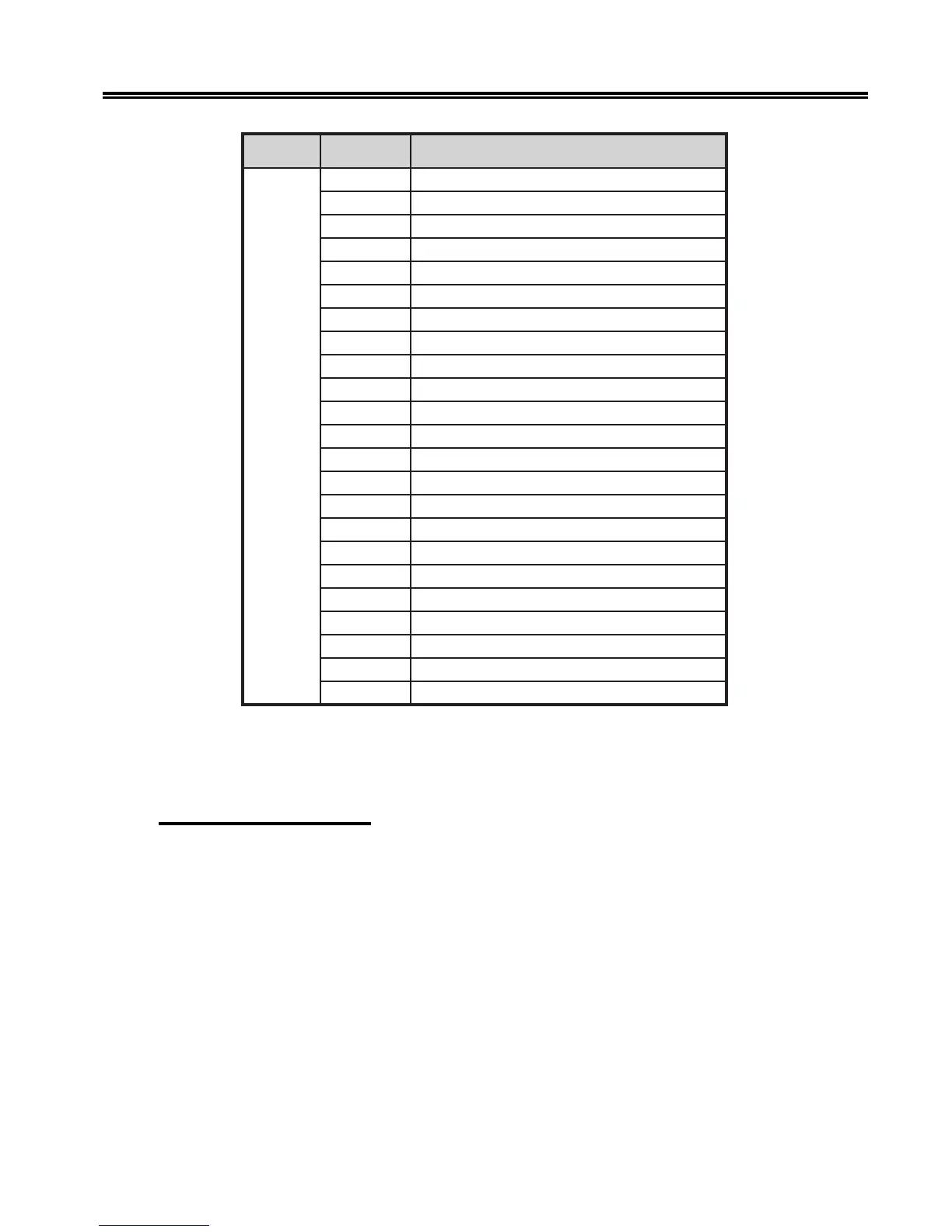
To select a language character set, follow the configuration procedure that begins on
Page 4-1. You can select another language character set by entering its corresponding
number, or you can keep the current selection by pressing Save.
202 – Display Language
Use Configuration Option 202 to select a specific country language to display messages.
The languages available for the option are English (default), French, and German. Some
domestic units support only English.
To select a language character set, follow the configuration procedure that begins on
Page 4-1.



 To Next Page