701333-004 5-11
Configuring the 1330 in ASCII Mode
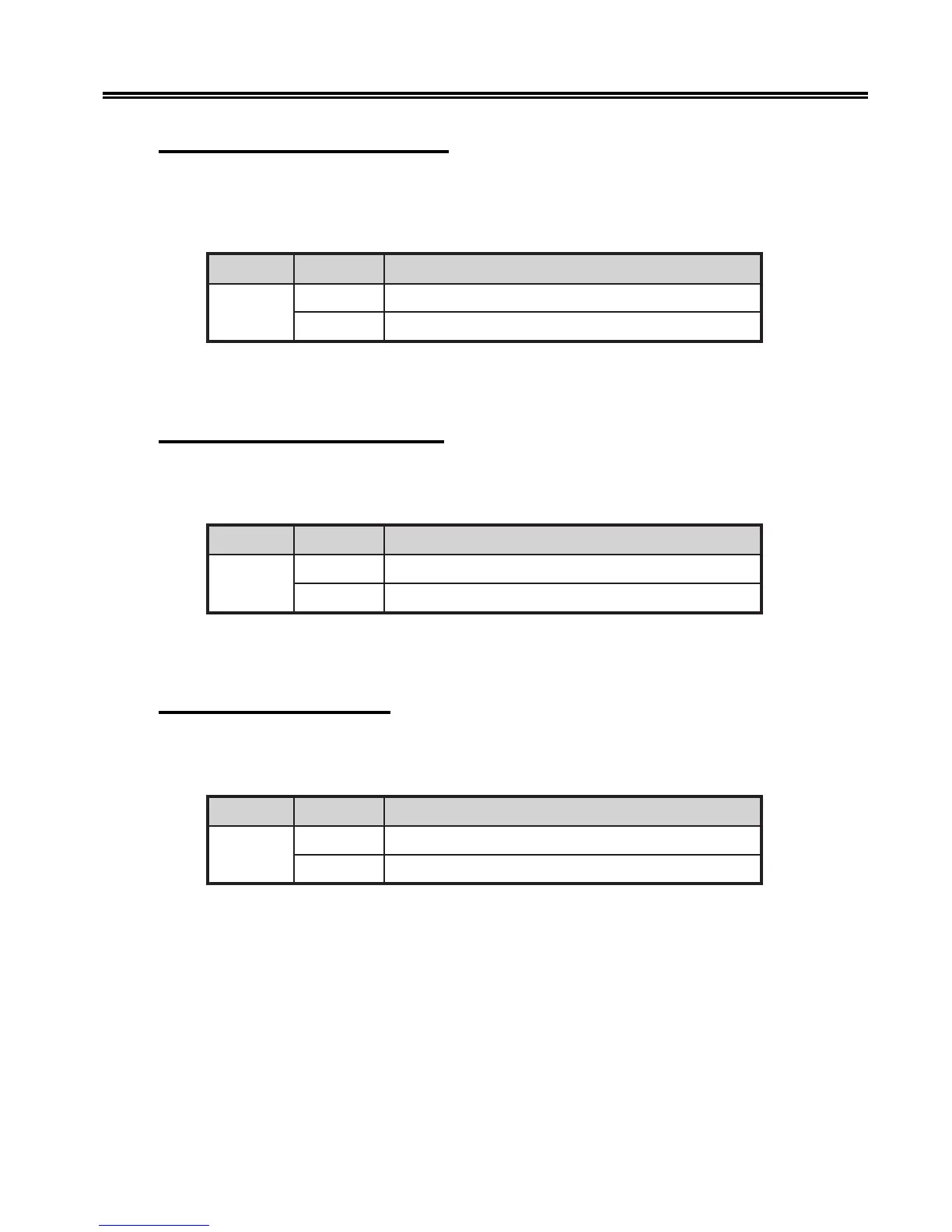
302 – Define Horizontal Tab (810)
Use Configuration Option 302 to specify if the 1330 will perform a horizontal tab in TI-
810 mode, either as a TI-810 specified horizontal tab or as an IBM Proprinter specified
horizontal tab.
noitpO eciohC gninaeM
203
0)tluafed(batlatnoziroh018-IT=TH
1batlatnozirohretnirporP=TH
To specify your choice, follow the configuration procedure that begins on Page 5-1.
Enter your choice (0 or 1) and press Save.
303 – Carriage Return Definition
Configuration Option 303 is used to define the carriage return. You can choose a carriage
return or a carriage return with a line feed.
noitpO eciohC gninaeM
303
1)tluafed(nruteregairrac=RC
2deefenilhtiwnruteregairrac=RC
To make your choice, follow the configuration procedure that begins on Page 5-1. Enter
1 for carriage return or 2 for carriage return with line feed, and press Save.
304 – Line Feed Definition
Use Configuration Option 304 to specify if the 1330 will perform a line feed or a line
feed combined with a carriage return.
noitpO eciohC gninaeM
403
1)tluafed(deefenil=FL
2nruteregairrachtiwdeefenil=FL
To specify your choice, follow the configuration procedure that begins on Page 5-1.
Enter your choice (1 or 2) and press Save.



 To Next Page