1. Charge the Doorbell -------------------------- P1
2. Supply Power to the Chime ------------------- P1
2.1 Power by three AA batteries--------------------- P1
2.2 Power by DC 5V adapter------------------------ P1
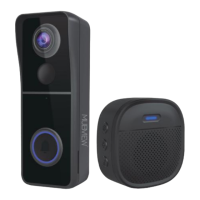
3. What’s in the Box------------------------------- P2
4. Switch on the Doorbell ------------------------ P3
5. Download Mubview APP ---------------------- P4
6. Account Registration---------------------------- P4
7. Add Doorbell to App--------------------------- P5
7.1 Preparations for connection-------------------- P5
7.2 Connect Doorbell to App----------------------------- P5
8. Connect the Chime --------------------------- P7
8.1 Click reset button------------------------------- P7
8.2 Press your doorbell to pair up------------------- P7
8.3 Chime settings---------------------------------- P8
9. Install the Doorbell ------------------------------ P9
9.1 Select a location---------------------------------- P9
9.2 Mark the screw holes & Install the wall mount----- P10
9.3 Mount your doorbell----------------------------- P10
10. Tamper Alart Setting -------------------------- P11
11. Product specifications ------------------------- P12
INDEX PAGE


 To Next Page