4
support@mubview.com
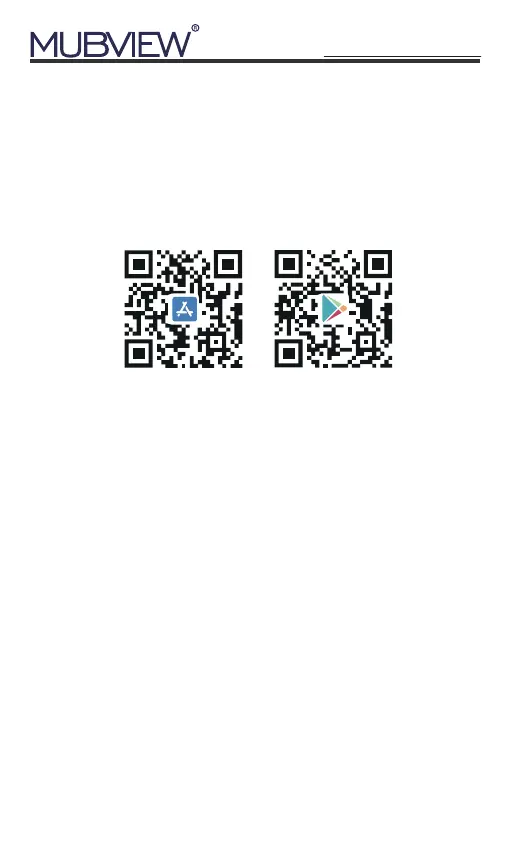
Download Mubview App from Google Play™ or
App Store™. Or scan the QR codes as below, with your
smart phone.
*Google Play™ is a trademark of Google Inc. App
Store™ is a mark of Apple Inc.
NOTE: Make sure turning on both permissions below.
① Allow Mubview App to access mobile cellular data
and wireless LAN, otherwise it will fail to connect the
camera (in mobile Setting).
② Allow Mubview App to send messages, otherwise
the phone will not receive alarms when motion is
detected (in mobile Setting-Mubview).
5. Download and Install App
New user needs to sign up in Mubview App with email
address. Click 'Sign up' to create a New Account and
follow the steps to complete registration.
6. Account Registration
Android
iOS


 To Next Page