7
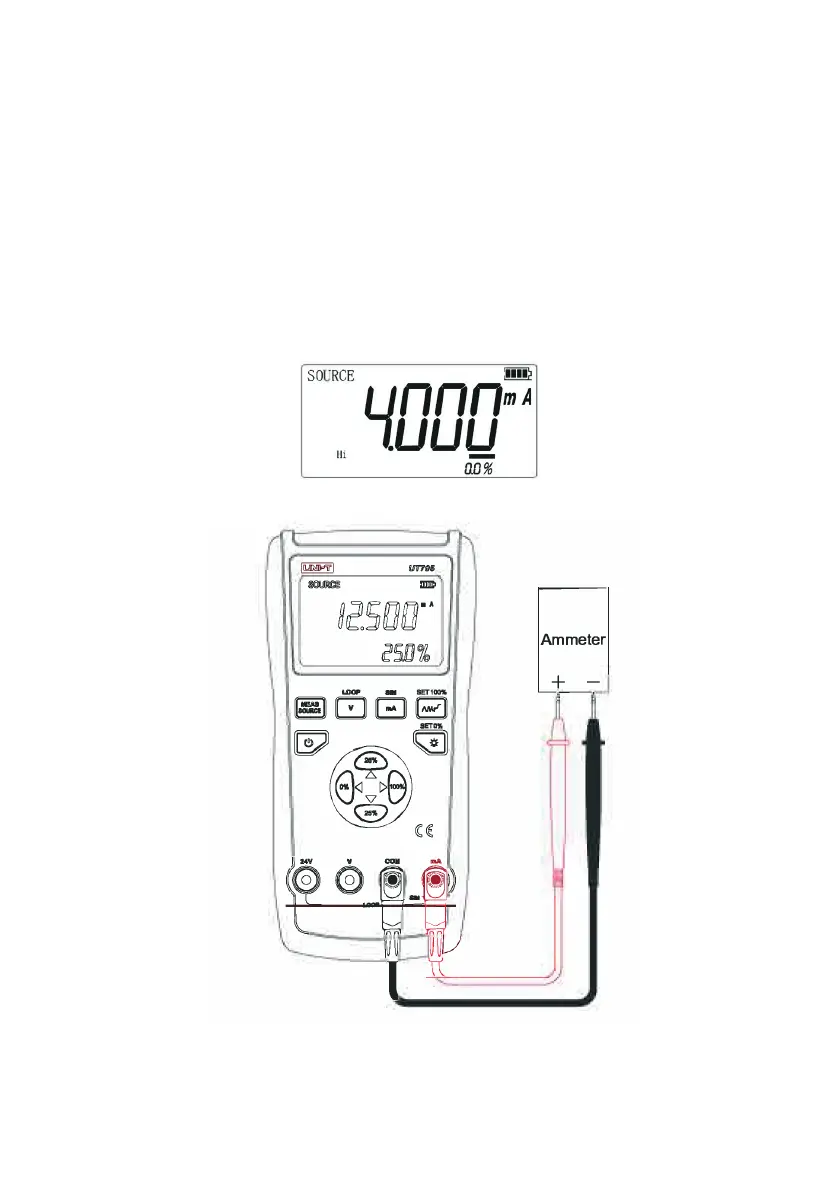
Current Source Output
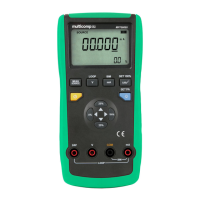
• Press MEASURE/SOURCE button to select the source function and the LCD will
display ‘SOURCE’.
• Press mA button and ‘mA’ is displayed on the LCD.
• Connect the red test lead to mV terminal, black to COM terminal.
• Connect the red probe to the ammeter positive terminal, black to the ammeter
negative terminal.
• Select an output digit by using LEFT (0%) or RIGHT (100%) value buttons, and
adjust its value with the UP or DOWN (25%) value buttons.
• Read the data on the ammeter.
• When the current output is overloaded, LCD will display the ‘Hi’ overload indicator,
and the value on the main display will ash.



 To Next Page