GPS tracker TV 7”
29
Back Click to show files of a folder
Elapsed time Click to show the elapsed time
Cycling play Cycling play current songs of a
folder
Random play Random play current songs of a
folder
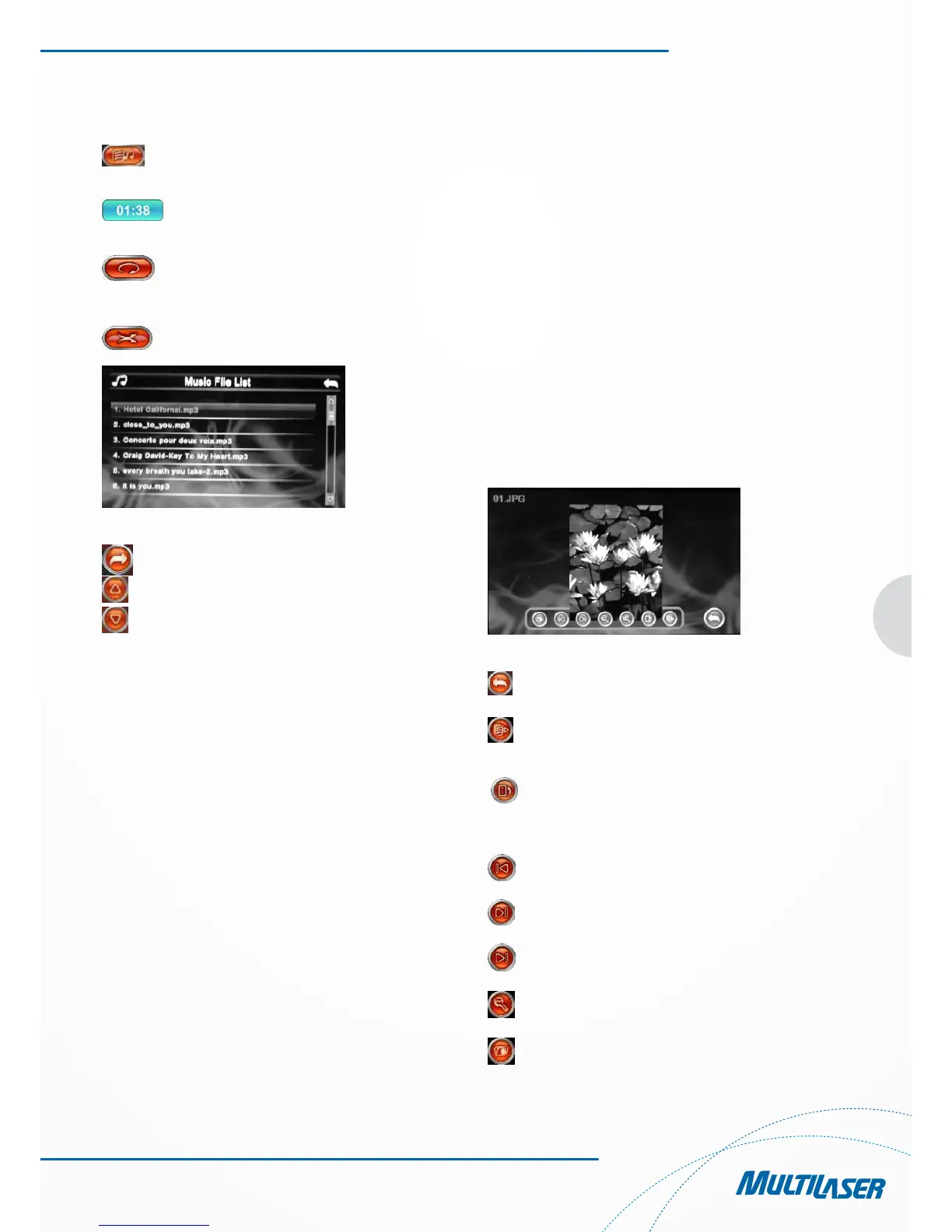
Figure 3-2
Close Click to close the current folder
Last Click to show the last page
Next Click to show the next page
Chapter 4 Image Viewing Function
This chapter provides information on how to view images with
the image viewer of the GPS navigator.
4.1 Features
1. Support images featuring formats like JPG, JPEG, BMP and
PNG.
2. Allow you to rotate, full screen display and automatically
display all images.
Please copy your image files to any folder in the memory card
before viewing.
4.2 Interfaces and Operations
1. Click the “Photo” button in the system menu; click the
selected image to activate the viewer, as shown in Figure 4-1.
Figura 4-1
Fechar Clique para fechar o visualizador
de imagens
Ocultar Clique para ocultar a barra de
ferramentas
Rotate
counterclockwise Click to rotate the current picture
counterclockwise of 90°
Last Click to view the last picture in
the same folder
Next Click to view the next picture in
the same folder
Zoom in Click to zoom in the picture
Zoom out Click to zoom out the picture
Back Click to show files of a folder



 To Next Page