30
www.multilaser.com.br
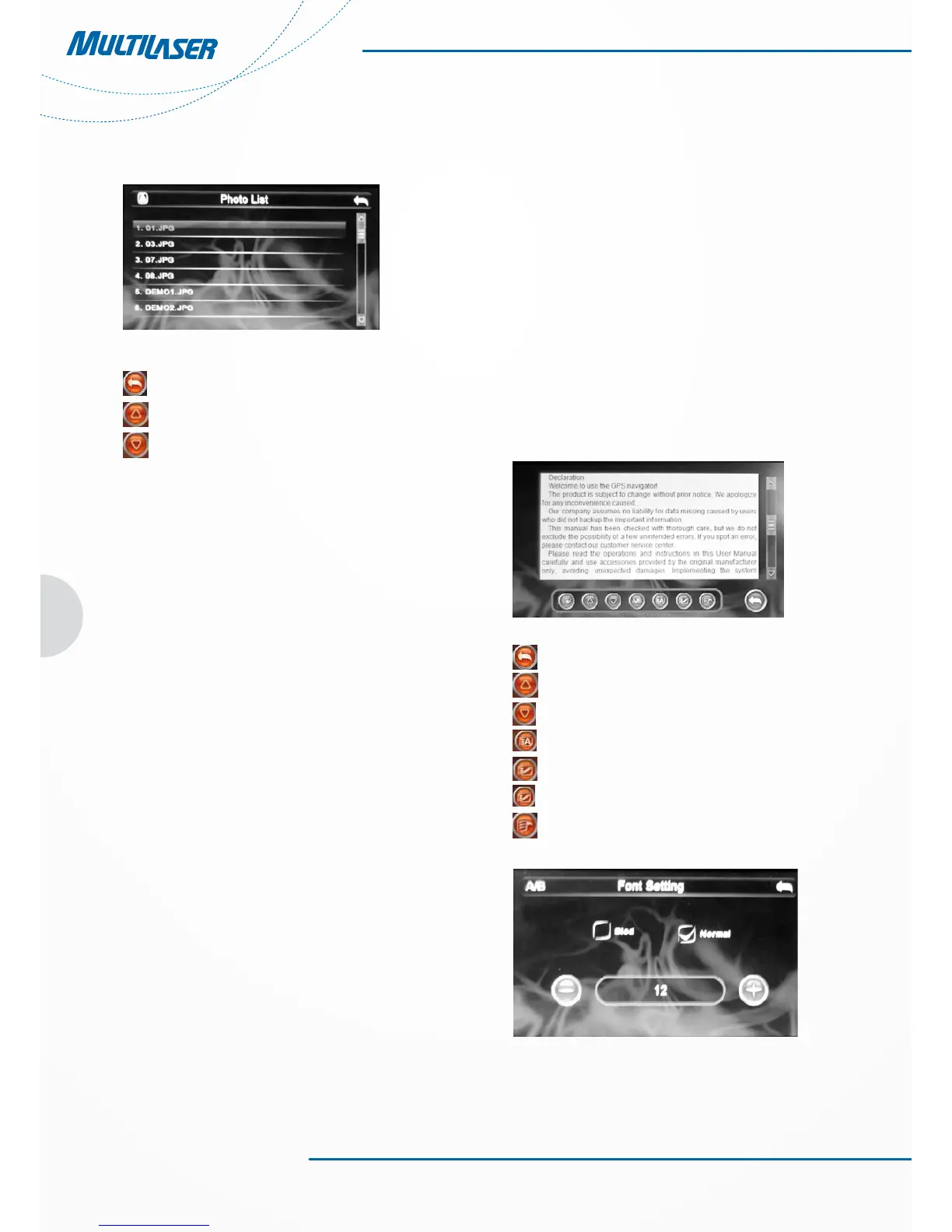
2. Refer to Figure 4-2 for the image folder interface
Figure 4-2
Close Click it to close the current folder
Last Click it to show last page
Next Click it to show the next page
Chapter 5 E-book Reading Function
This chapter provides information on how to use the GPS
navigator as an Ebook reader.
5.1 Features
1. Support file. TXT;
2. Support scrolling, skipping and folder selection
Please copy your txt. file to any folder in the memory card
before reading.
5.2 Interfaces and Operations
Click the “E-book” button; click the selected txt to activate the
viewer, as shown in Figure 5-1:
Figure 5-1
Close Click it to close the e-Reader.
Last Click it to read the last page
Last Click it to read the next page
Font Click it to set the font
Color Click it to set the color
Save bookmark Click it to save the bookmark
Click it to view the bookmarks
Figura 5-2



 To Next Page