GPS tracker TV 7”
31
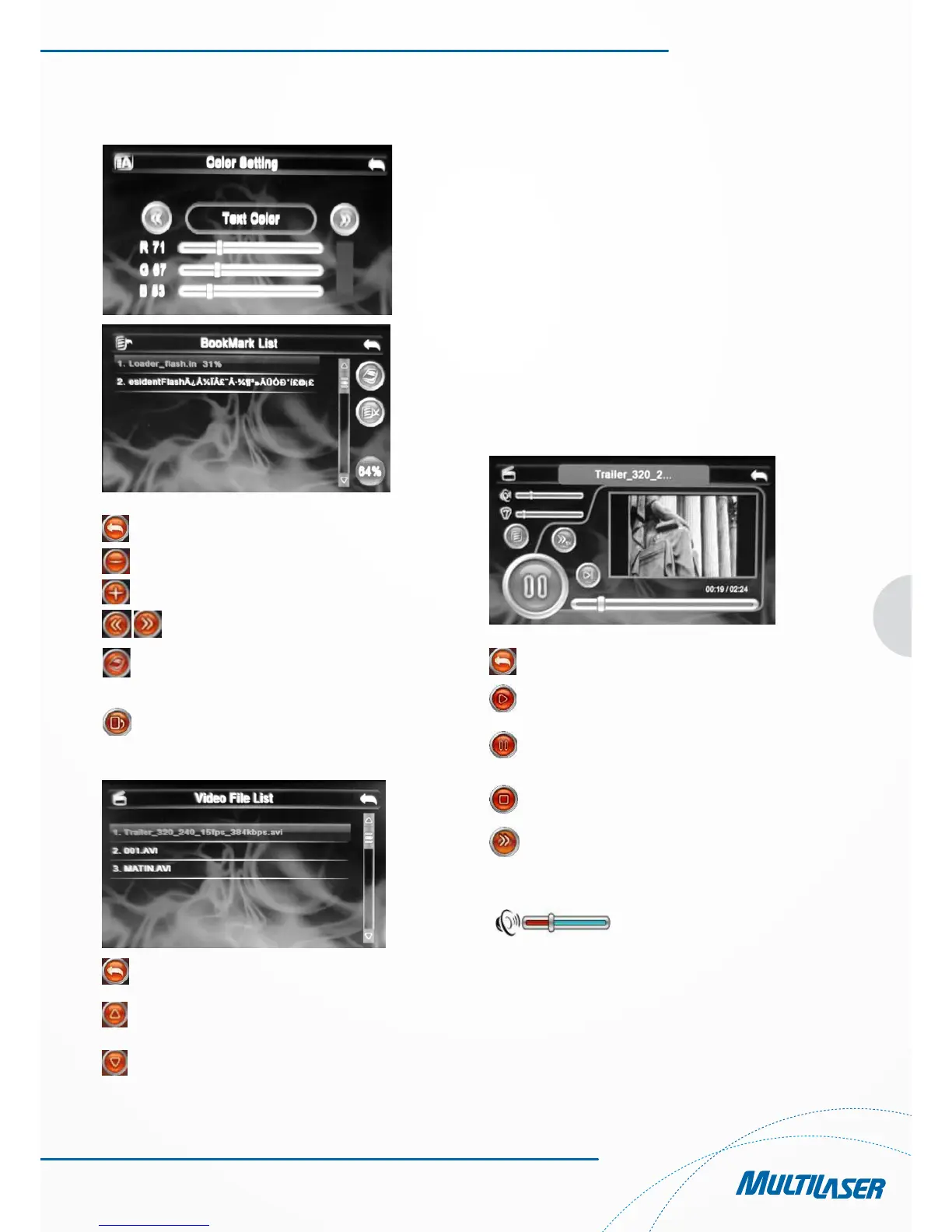
Figura 5-3
Figura 5-4
Close Click to quit
Decrease Make the font smaller
Increase Aumenta o Tamanho da fonte
Adjust Adjust the value
Click to skip to the bookmark
Delete Delete the bookmark
3. Refer to Figure 5-5 for the text file folder
Figure 5-5
Close Clique para fechar a pasta atual.
Previous page Display the contents of the pre
vious page.
Next page Display the contents of next
page.
Chapter 6 Video Playing Function
This chapter provides information on how to use the GPS
navigator to play video.
6.1 Features
1. Support wmv, mpeg, mpg, mp4, 3gp, asf and avi files;
2. Support full-screen play, progress selection and file selec-
tion
Please copy your video files to any folder in the memory card
before playing.
6.2 Interfaces and Operations
Click the “Multimedia”\”MP4” button; click the selected image
to activate the player, as shown in Figure 6-1.
Figura 6-1
Close Click to close the video player
Play This indicates a film is being
played; click to pause
Pause This indicates that a film has
been paused; click to continue
Stop Click to stop playing
Fast forward Click to fast play a film; click
again to continue normal play
Volume adjusting Drag the nib of the touch pen
on the screen leftward/
rightward to adjust the volume.
Drag leftward to decrease and
rightward to increase
Progress adjustment
Drag the nib of the touch pen on
the screen leftward/rightward
to adjust the progress. Drag
leftward to back to a certain
time and rightward to advance
to a certain time to play



 To Next Page