MOUNTING THE DEVICE
Conduit
®
AP MTCAP2-L4E1-868-002 and MTCAP2-868-002 User Guide 21
Chapter 7 – Mounting the Device
Mounting the Device
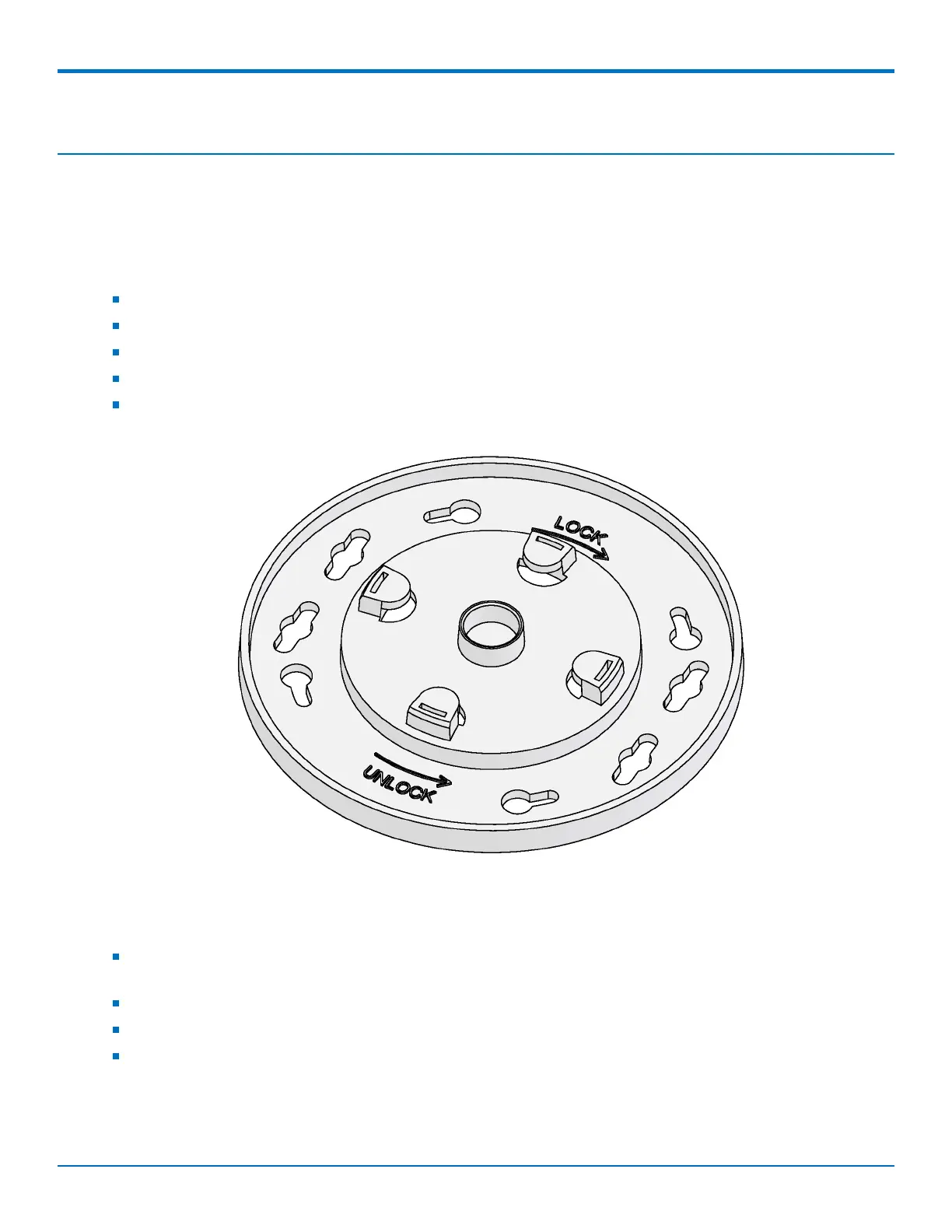
The device ships with a mounting bracket.
You will need
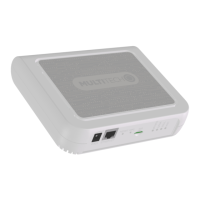
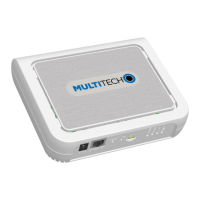
Device
Mounting bracket
Four #6 screws, with anchors (not provided)
Screwdriver
Drill
Mounting Bracket
Determining Location
Follow these guidelines for best performance:
The LoRa antenna is omnidirectional, but for best results, mount the device so the LoRa antenna is in a
vertical position as shown in the following image.
Place the device as high as possible, such as near the top of a wall.
Select a location central to all devices to be connected to this device.
Avoid obstructions.
Important: Thick walls and reflective surfaces, such as metal, weaken the signal between the device and other
devices.


 To Next Page