Page74of78
ITPP047 Thermal Printer Windows Software Manual
Version 2.00
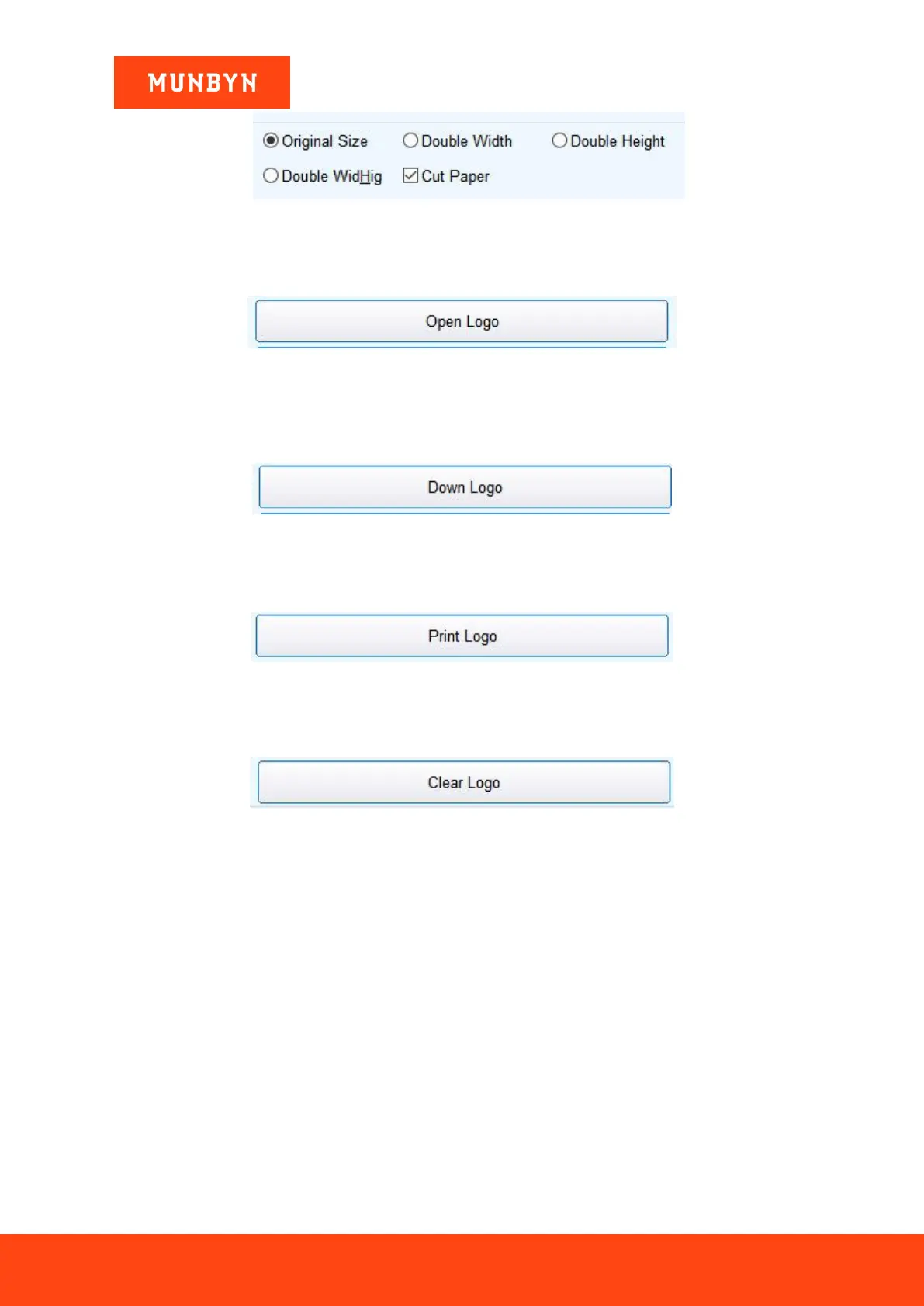
Figure 6- 32 NV LOGO Settings
a) Open Logo:
Click and select the BMP format picture or the "LOGO" file you want to print.
Figure 6- 33 Open Logo
b) Download NV Logo:
After the BMP format file is open, click the download button. The file will be downloaded to the printer. Print
the file content by clicking "Down Logo" button.
Figure 6- 34 Down Logo
c) Print Logo:
Click "Print Logo" button to complete the "LOGO" image printing.
Figure 6- 35 Print Logo
d) Clear Logo:
Remove the downloaded "NV LOGO".
Figure 6- 36 Clear Logo
e) Multi NV LOGO Menu:
Show current NV LOGO



 To Next Page