Page75of78
ITPP047 Thermal Printer Windows Software Manual
Version 2.00
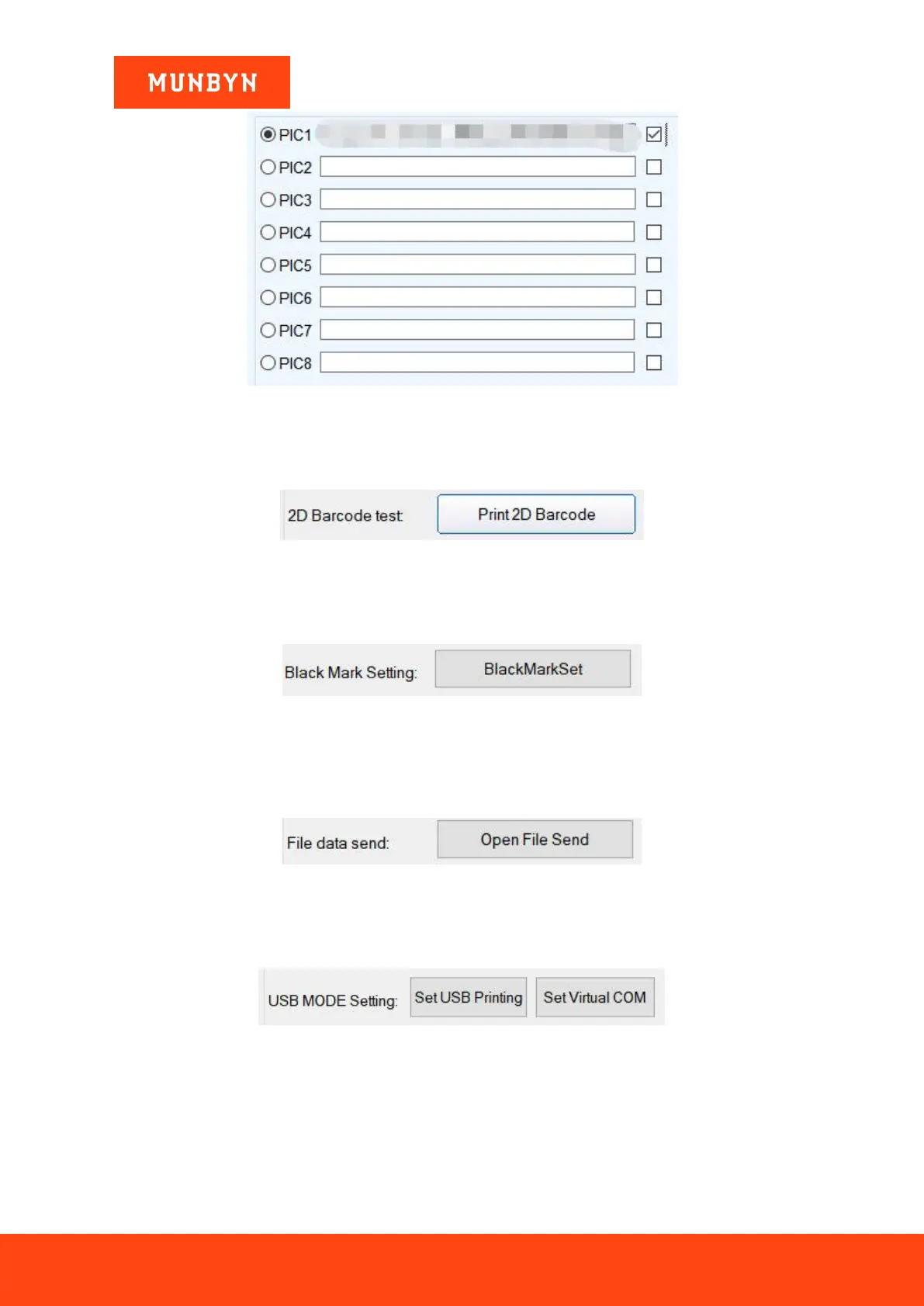
Figure 6- 37 NV LOGO Menu
6.2.9.2. 2D Barcode Testing
Edit and print test of two-dimension codes.
Figure 6- 38 2D Barcode Testing
6.2.9.3. Black Mark Setting
To set special paper printing with black marks.
Figure 6- 39 Black Mark Setting
6.2.9.4. File Data Send
Choose and open the TXT format file in the pop-up dialog box, and then the printer will print the contents of the
file.
Figure 6- 40 File Data Send
6.2.9.5. USB Mode Setting
Mode Setting of printer USB port includes USB Printing and Virtual COM. USB mode switches.
Figure 6- 41 USB Mode Setting
6.2.9.6. Barcode Test
Choose a variety of barcode types and heights to test the print with a total of nine kinds of one-dimensional code
choices.



 To Next Page