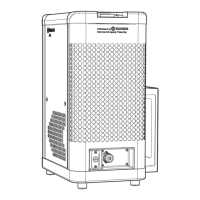
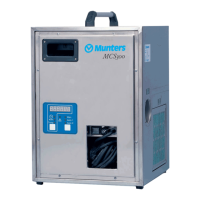
DehumidierML420-MLT1400
2.AdjusttheRH98orVariDrysetpointtothelowestRHvalue,seesection6.5,RH98operatorpanel.
3.Setthemainpowerswitchto”1”(on).Checkthatthefollowingindicatorlampsareonandthatthe
unitisrunning.
■Mainssupplyconnectionindicator
■Unitrunningindicator*
■Bothreactivationheaterindicators*
■Bothprocessairandreactivationairfanindicators*
■Drivemotorindicator*
NOTE!*IfthecurrentRHvalueintheroomtobedehumidiedisbelowthesetpoint(factorysetting50%RHof
RH98orVariDry),theaboveindicatorswillnotlightandthedehumidierwillnotstart.
4.Slowlyincreasethehumiditysetpointandcheckthattheunitswitchesoffwhenthesetpointmatchesthe
RHintheroomwherethehumiditysensorisinstalled.
5.Slowlydecreasethehumiditysetpointandcheckthattheunitswitchesonwhenthesetpointfallsbelow
theRHintheroomwherethehumiditysensorisinstalled.
6.Setthemodeswitchonthecontrolpanelto”0”andcheckthatboththeindicatorlampsforthe
reactivationheatergoout.
7.Checkthattheprocessairfan,reactivationairfananddrivemotorindicatorsgooutwhenthe
temperaturefallsbelow50°Candtheunitisrunning,andthatthepowerconnectedindicatorremains
on.
8.AdjustthehumiditysetpointtothedesiredRHvalue.
190TGB-1035-H1604Operation23



 To Next Page