DehumidierML420-MLT1400
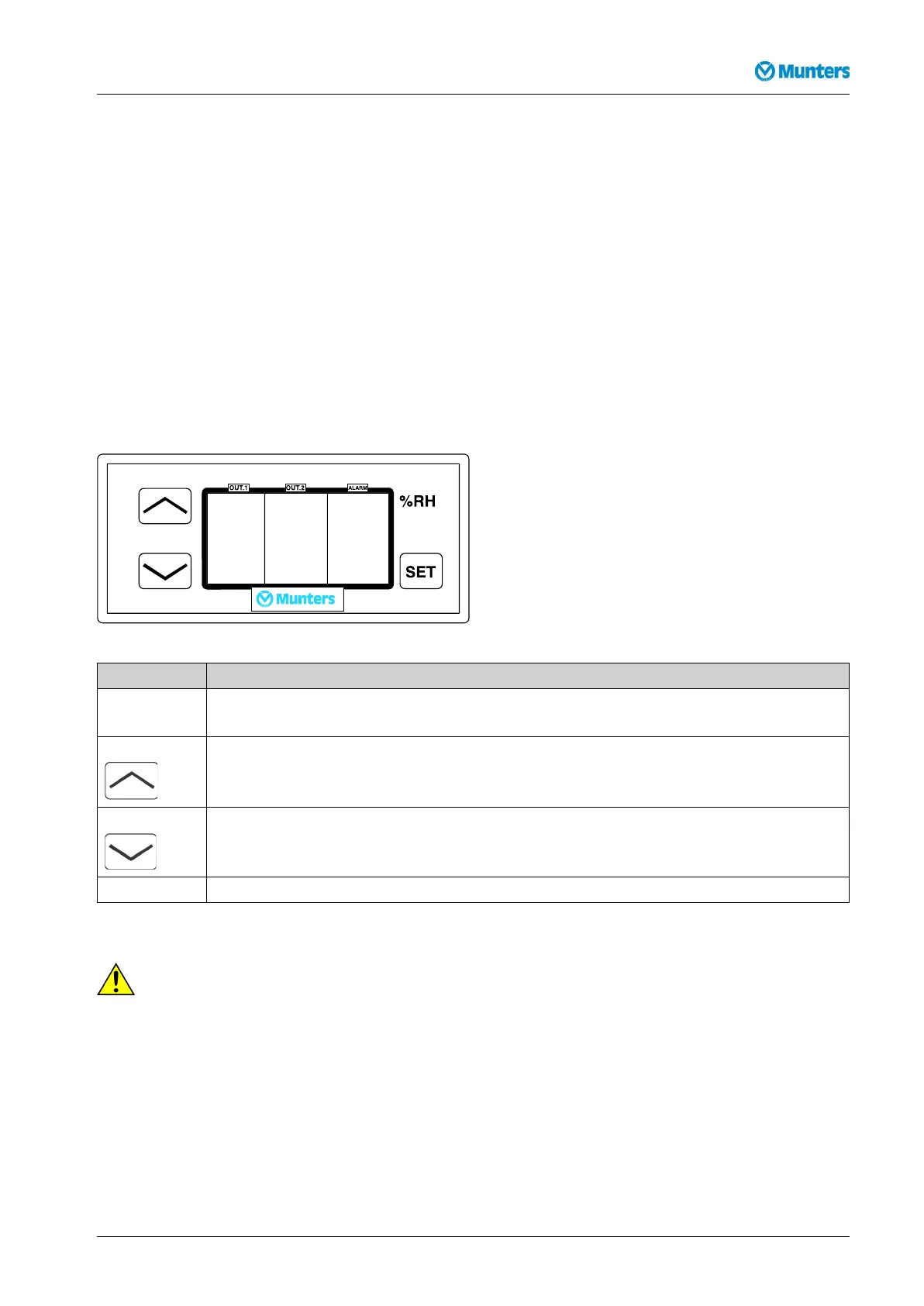
Thereisalsoanoperatorpanelwithadisplayonthecontrolunit.Duringnormaloperation,thedisplay
showsthecurrentmeasuredairhumidity.
Differentparameterscanbesetusingthepushbuttonsonthepanel.Examplesaresettingsforairhumidity,
controllerlimitsandalarmlimits.
Thecontrolunitconstantlyreceivesasignalfromthehumiditytransmitter,andcontrolstheairhumidity
byregulatingthepowertotheunitreactivationheaterinoneortwosteps.Intheeventoftwoheatersteps,
abasicstep2/3ofthereactivationoutputisachieved,afterwhich1/3ofthereactivationoutputcanbe
controlledasafollowingstep.
Thecontrolunitisprovidedwithapotentialfreecontacttowhichanexternalalarmdevicecanbe
connected.Theexternalalarmisactivatedtogetherwiththeinternalalarm.
1.6.4Setpointsandcontrolparameters
Checkingandchangingsetpointsandcontrolparameterscanbemadeduringoperationorinstand-bymode.
Figure1.2Operatorpanel
ButtonFunction
Display/changeacertainvalueandresetthealarm
Increasethevalue
Decreasethevalue
%RH:Displaypositionofcontrolstepsforreactivationheater(0=off;1=on).
Duringnormaloperationandinanypositionofthemodeswitchthecurrentrelativeairhumidityis
displayed.
CA CA
CA
UTION! UTION!
UTION!
Damageduetoincorrectadjustmentofthesystemmayinvalidatethewarranty.
190TGB-1035-H1604Options43



 To Next Page