1
2
Introduction to advanced functions 2-3
Advanced copy functions
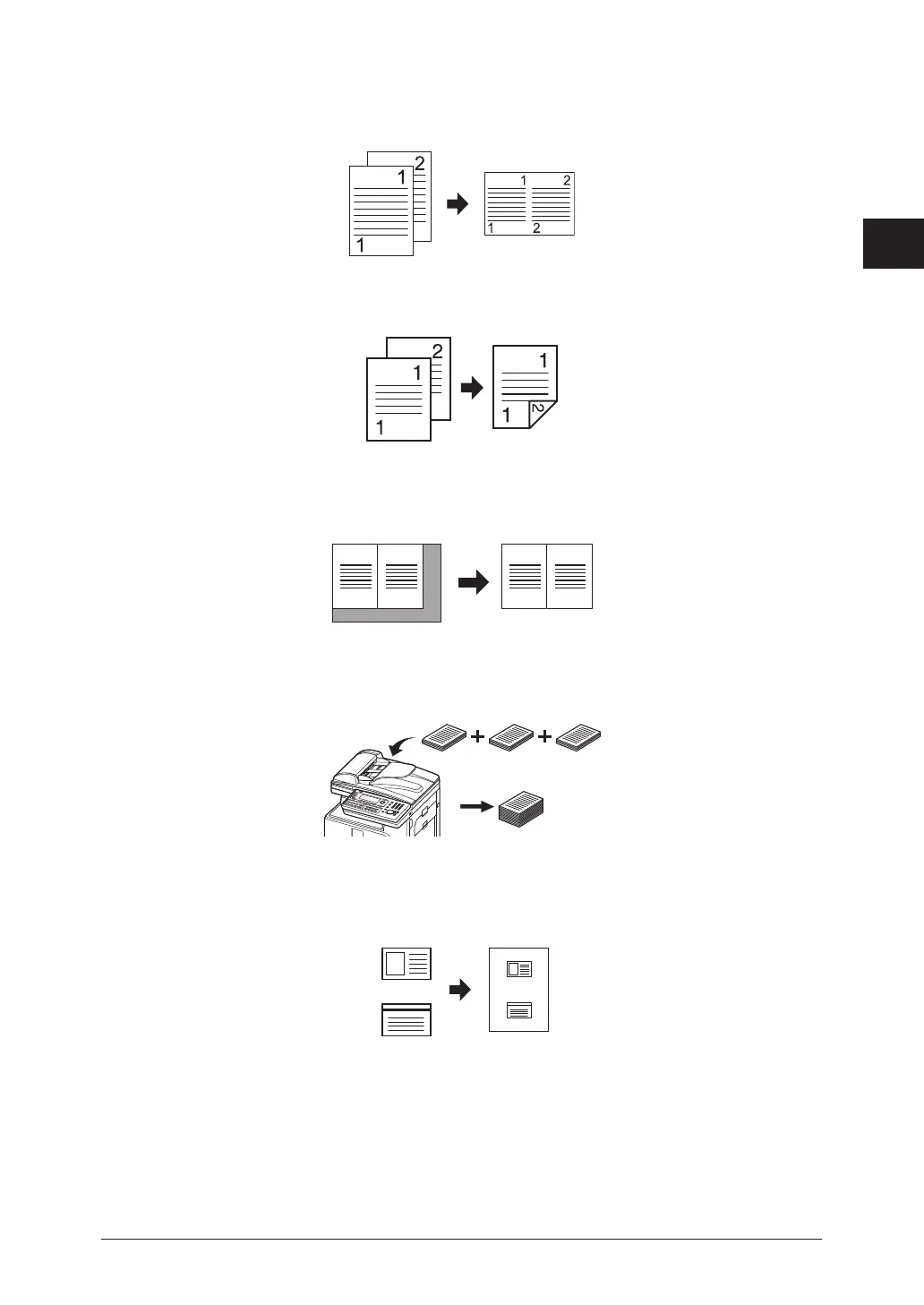
Combine
You can copy a two page or four page document onto a single page. For details, see
“Combined copying” (page 2-7).
Duplex copying
You can copy onto both sides of the paper. For details, see “Duplex copying” (page 2-9).
Document size
You can erase the black shadows that appear when copying with the platen cover open.
For details, see “Specifying the document size” (page 2-11).
Next document
Once scanning is completed for the current job, you can begin scanning the next copy job.
For details, see “Scanning the next document” (page 2-15).
Card copy
You can copy the front and back of ID cards, checks, and custom size documents so that
both sides are printed together on a single page. For details, see “Card copy” (page 2-12).
Back
Front
Copy reservation
Another document can be scanned into memory while the current job is printing. For
details, see “Settings the copy reservation” (page 3-5).
Soft key
Three function buttons can be displayed on the ready screen. For details, see “Changing
the soft keys” (page 3-6).



 To Next Page
 Loading...


