4 Handling the printer VJ-1638UH OPERATION MANUAL
190 4.1 Print flow chart
4.1 Print flow chart
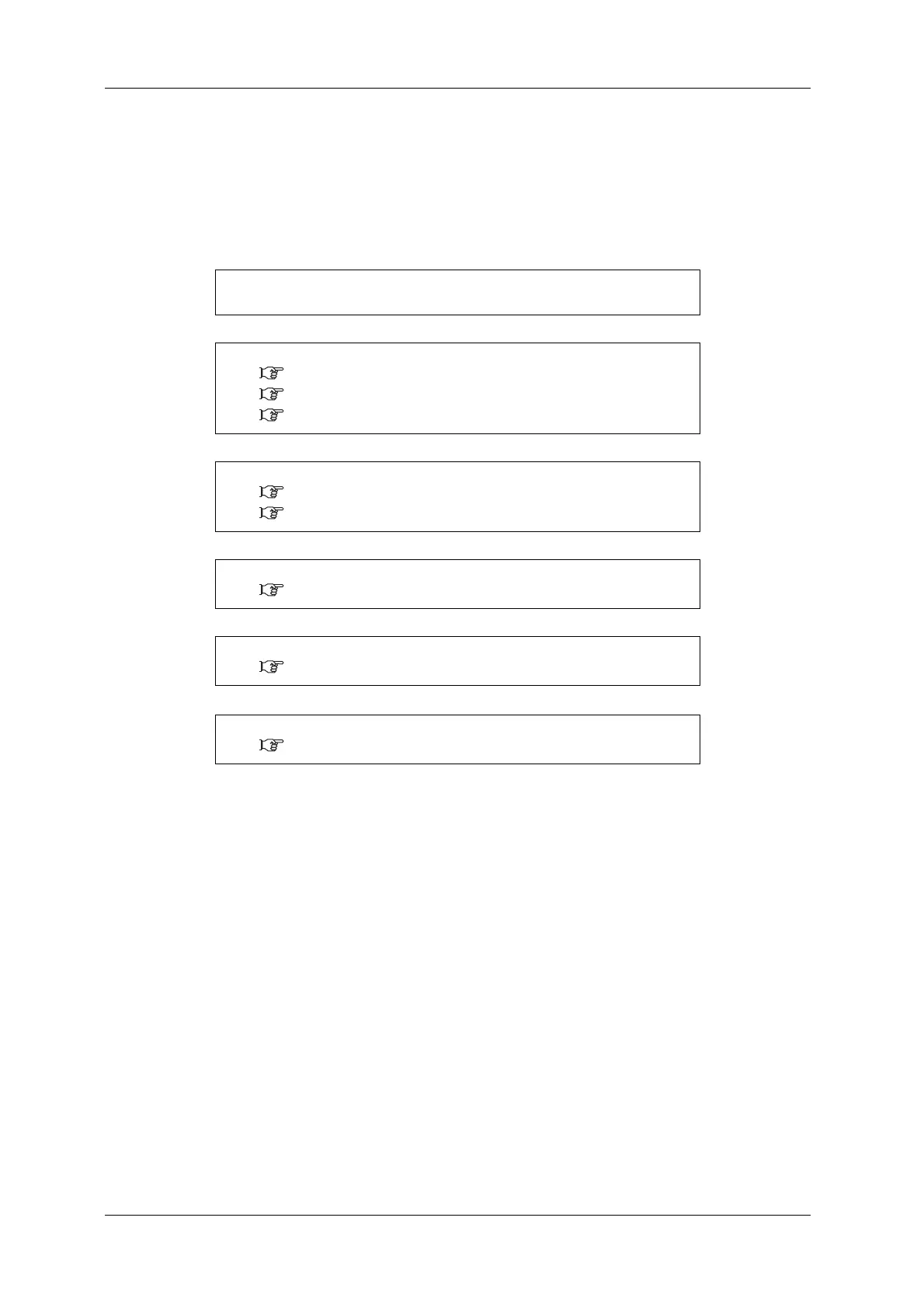
The following flow chart illustrates the procedure to perform printing with the printer.
Refer to each section as required.
1. Create print data.
Create print data with application software.
↓
2. Turn the printer ON, and shake the ink cartridges.
3.2.1 Turning the power ON
6.1 Wearing the gloves and goggles
6.2 Shaking ink cartridges
↓
3. Load the media.
3.5 Setting media
4.2 Media
↓
4. Perform Media feed adjustment.
4.2.7 Media feed adjustment
↓
5. Set up printing conditions.
4.3 Menu setups on the operation panel
↓
6. Perform the printing.
4.4 Operating from the operation panel















 To Next Page