7 Troubleshooting VJ-1324 OPERATION MANUAL
7-14
7.3 The media is jammed
When the set media is jammed, follow the procedure below to remove it.
1. Turn OFF the power of the printer.
3.2.2 Turning the power OFF
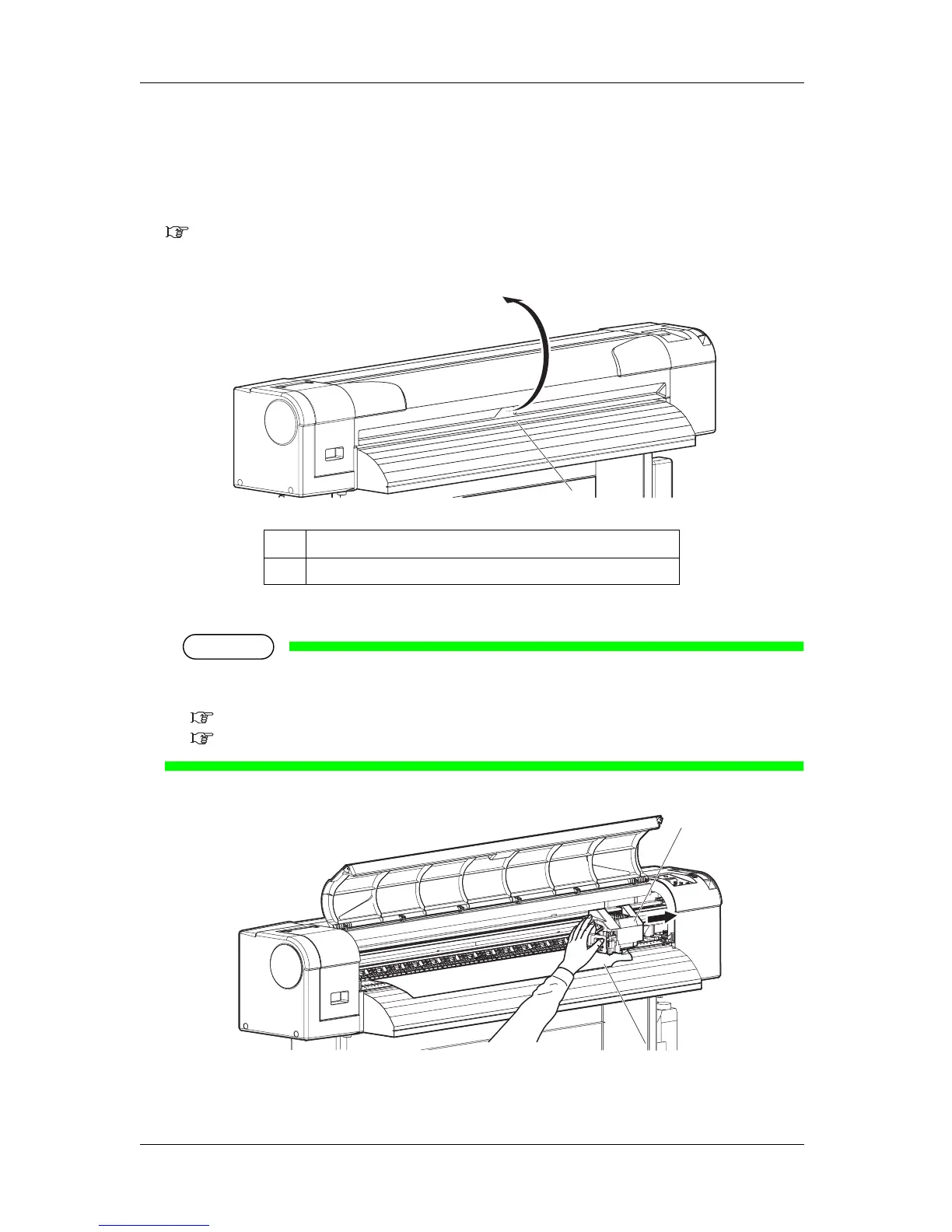
2. Open the front cover.
3. Move the print head section from the top of the media to the right.
NOTE
• When the head height is set to Low, switch it to High before moving the Head.
Change the setting back to Low after moving the Head.
4.2.5.1 When raising the print head
4.2.5.2 When returning the print head to the original position
No. Name
1 Front cover
1
2
1















 To Next Page