3 Before using VJ-1324 OPERATION MANUAL
3-56
NOTE
• "4" is the current setting value.
5. "PatternA: 4" is displayed on the operation panel.
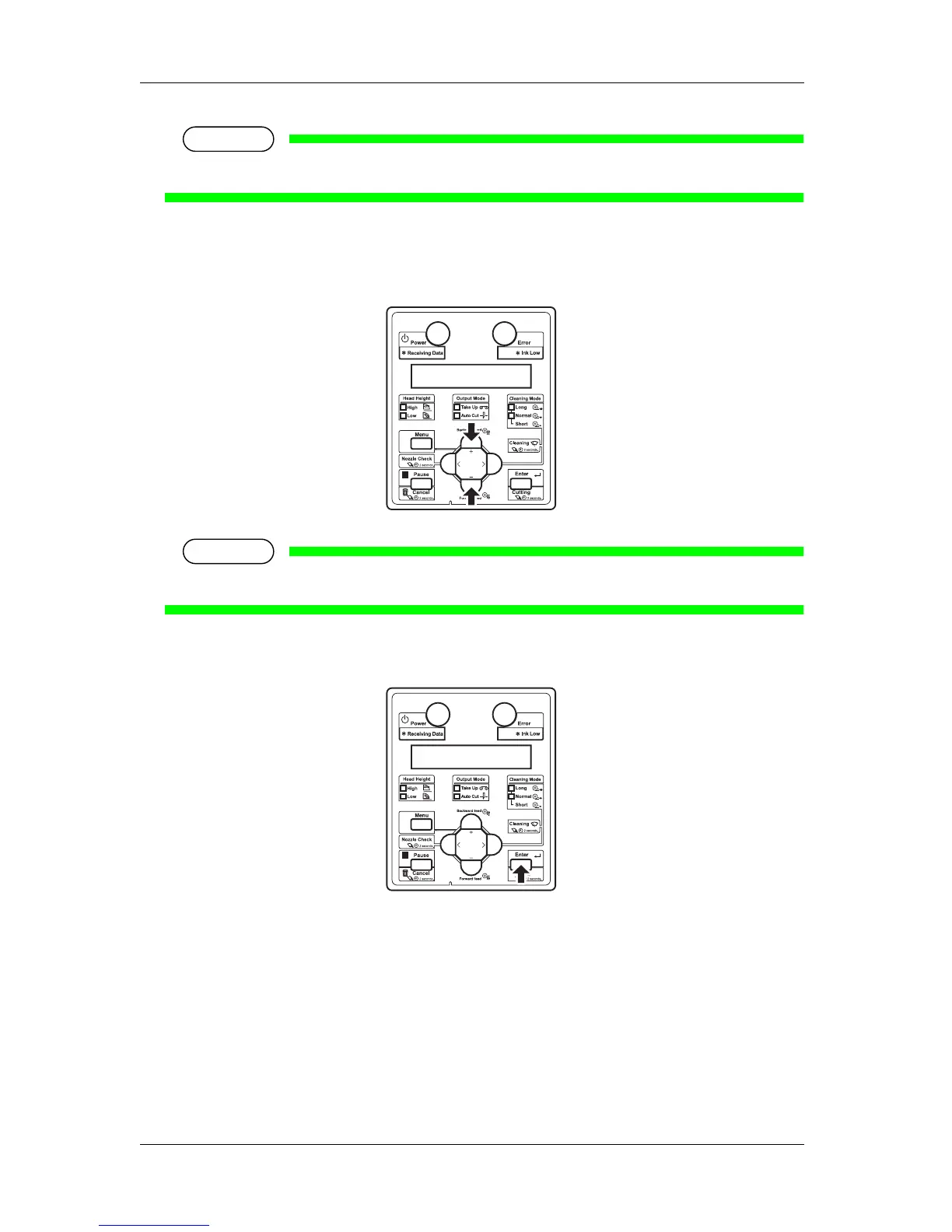
6. Press the [+] key or [–] key to enter the number that you selected in Step 4.
NOTE
• When you press the [Cancel] key, "Adj.4: Fine PatternA" is displayed on the operation panel.
7. Press the [Enter] key on the operation panel.
• The value is set in the "Pattern A: *" (* indicates a number from 1 to 7).
• Press the [Enter] key to register the setting value for "Fine PatternA" to the printer.
• The operation panel display returns to "Adj.4: Fine PatternA".















 To Next Page