3 Before using VJ-1324 OPERATION MANUAL
3-58
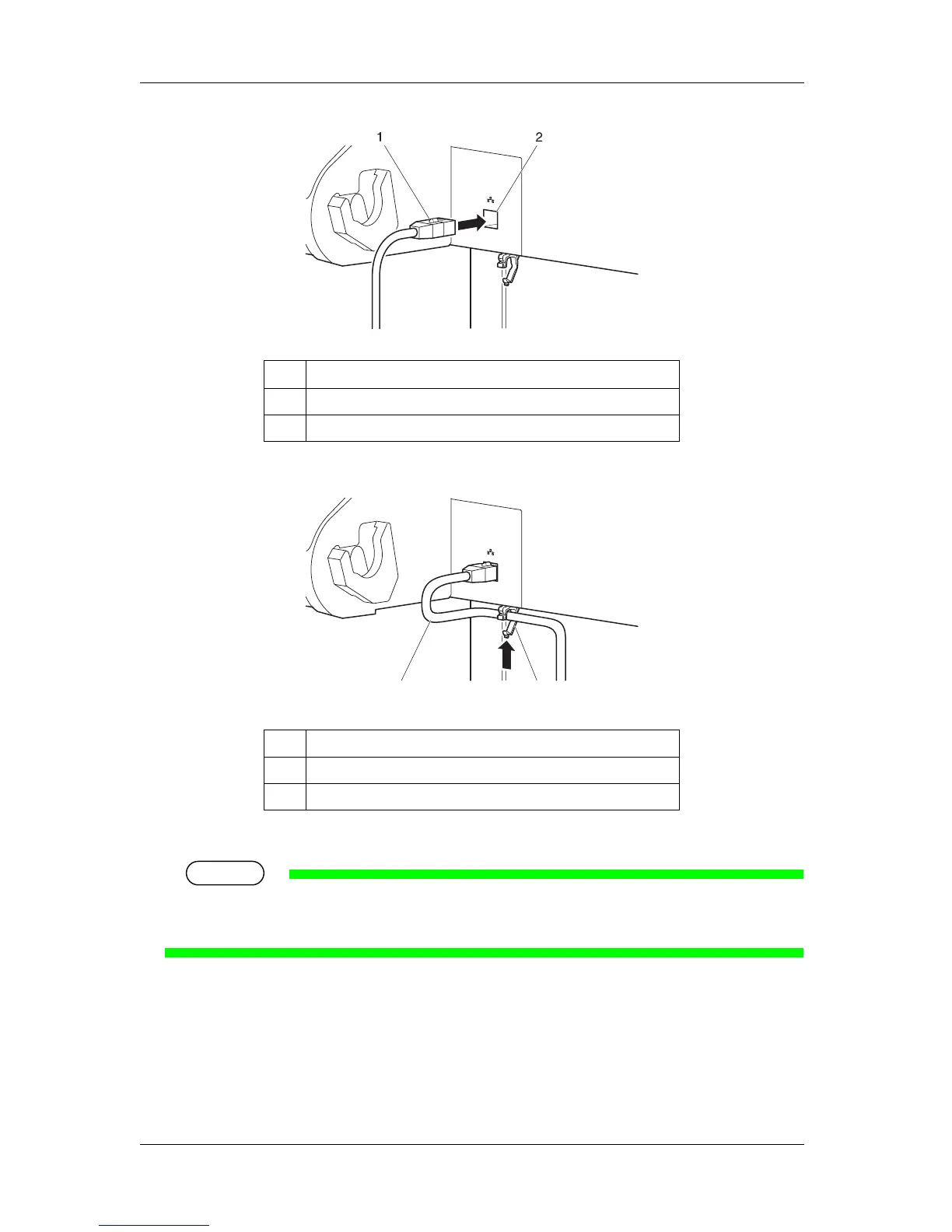
3. Fix the network interface cable to the cable clamp.
4. Connect the other connector of the network interface cable to your PC.
TIP
• About connecting to your PC, refer to the operation manual included with the PC.
• For network setting on the side of the printer, refer to "4.3.2 Panel setup menu overview".
No. Name
1 Network interface cable
2 Network interface cable connector
No. Name
1 Network interface cable
2 Cable clamp
1
2















 To Next Page