4 Handling the printer VJ-1324 OPERATION MANUAL
4-2
4.1 Print flow chart
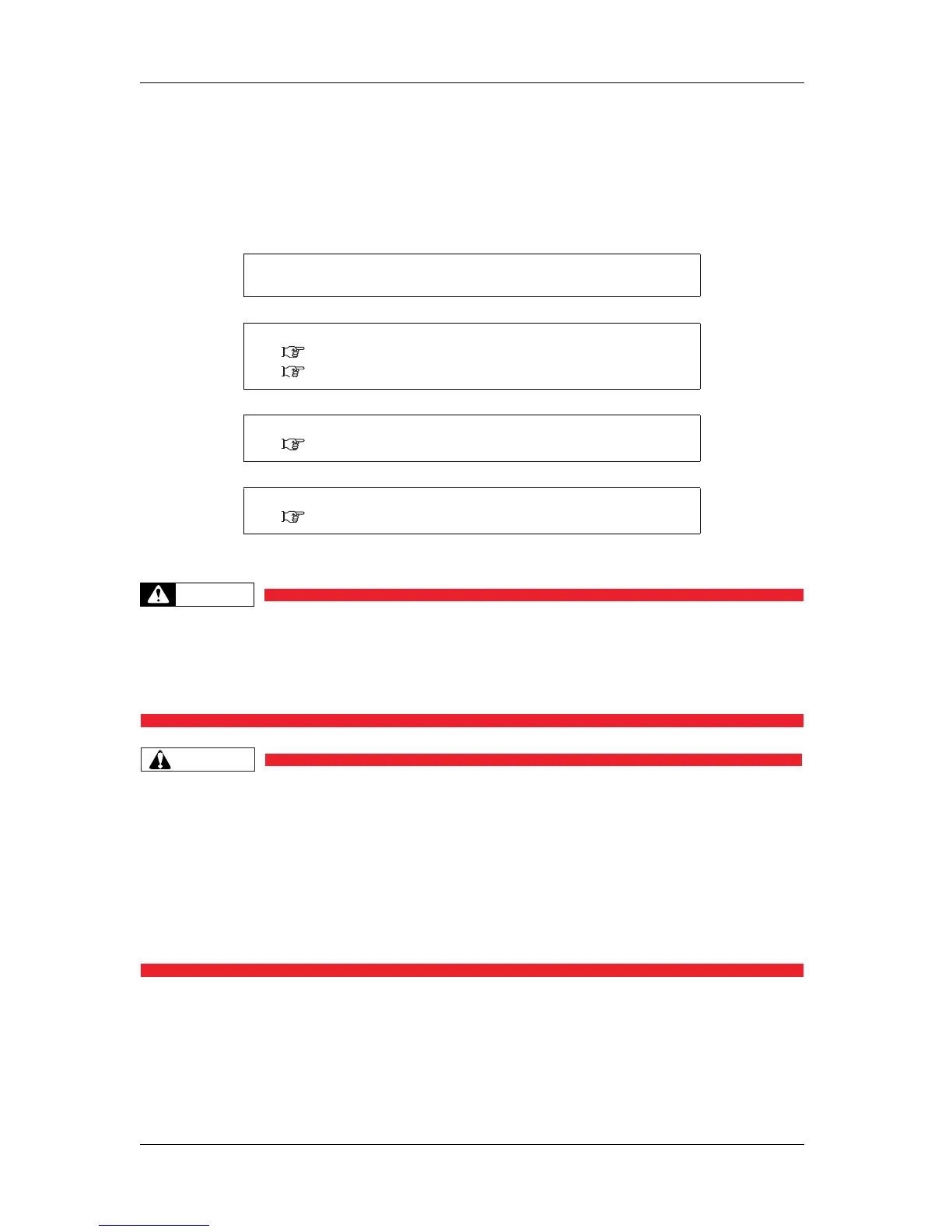
The following flow chart illustrates the procedure to perform printing with the printer.
Refer to each section as required.
WARNING
• Do not place any combustible materials on the platen while the heater is working.
There may be a risk of fire.
• Do not spill flammable liquid on the platen.
This could lead to a fire.
CAUTION
• Do not touch the media guide while printing.
The media guide becomes very hot and you could burn yourself.
• Do not touch the media feed slot, platen, and media guide while the heater is
working.
The media feed slot, platen, and media guide become very hot and you could burn
yourself.
• Ventilate the workplace.
Not doing so may make you feel sick or may lead to a fire.
1. Create print data.
Create print data with application software.
↓
2. Turn the power ON and set the media.
3.4 Loading media
4.2 Media
↓
3. Set up printing conditions.
4.3 Menu setups on the operation panel
↓
4. Perform the printing.
4.4 Operating from the operation panel















 To Next Page