LOCK ON/OFF FUNCTION
SCAN ON/OFF FUNCTION
LOCK ON/OFF FUNCTION
The set up menu can be locked as prevention against unauthorized users.
LOCK ON mode
At Power-ON mode, hold [DOWN] button pressed for 10 seconds to set up LOCK ON
function.
When [LOCKED] is displayed on the screen, user can use [POWER, SELECT, VOLUME]
buttons only and use can do setting for PICTURE menu.
LOCK OFF mode
At Power-ON mode, hold [DOWN] button pressed for 10 seconds to set up LOCK OFF
function.
When [UNLOCKED] is displayed on the screen, user can use all functions of the set up
menu.
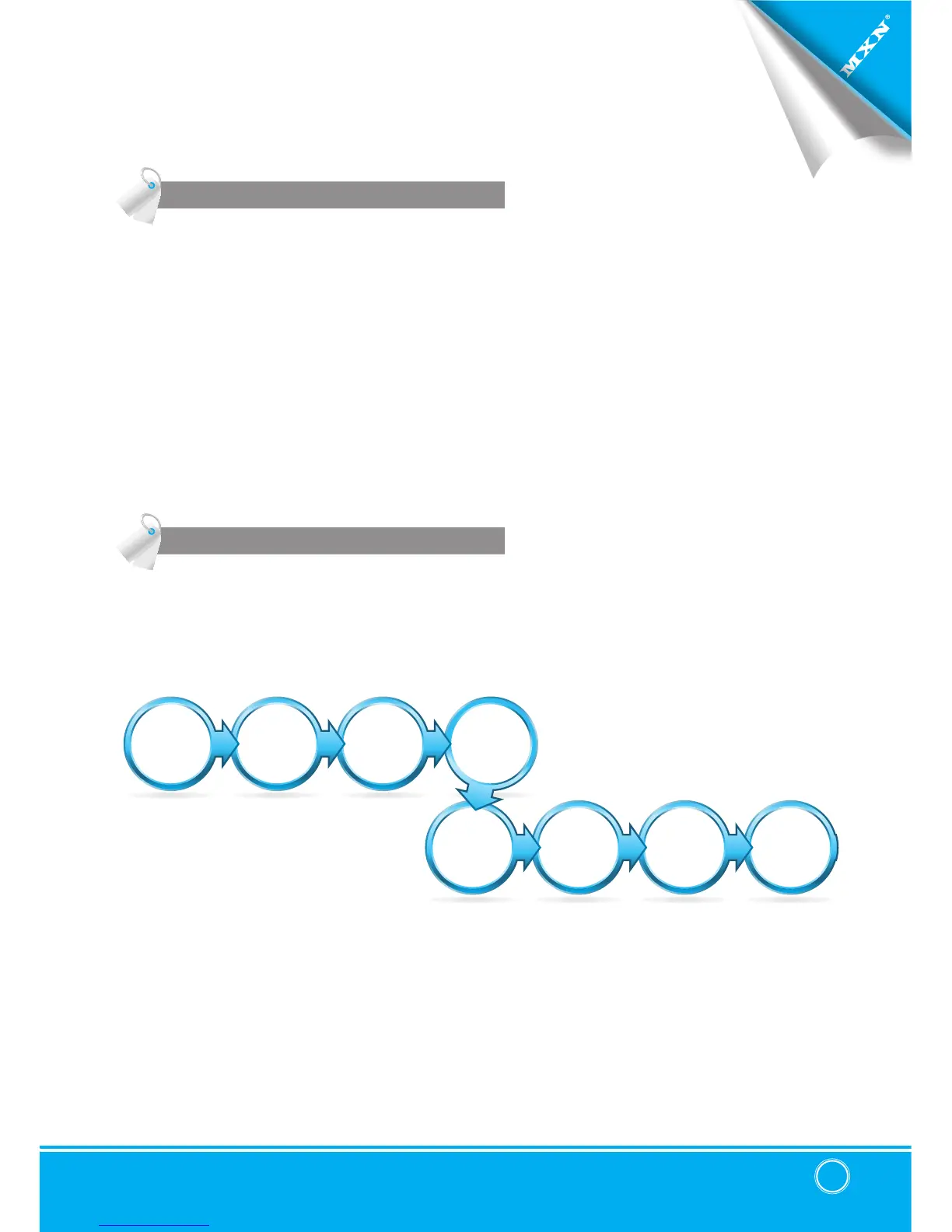
At Power-ON mode, hold [UP] buttons pressed for 4 seconds to activate Auto Scan Picture
function.
During the auto scanning mode, press [UP] button for 4 seconds to inactivate Auto Scan
Picture function.
SCAN
QUAD
SCAN
TRIPLE
SCAN
SPLIT
SCAN
AUX
SCAN
CAM4
SCAN
CAM3
SCAN
CAM2
SCAN
CAM1


 To Next Page