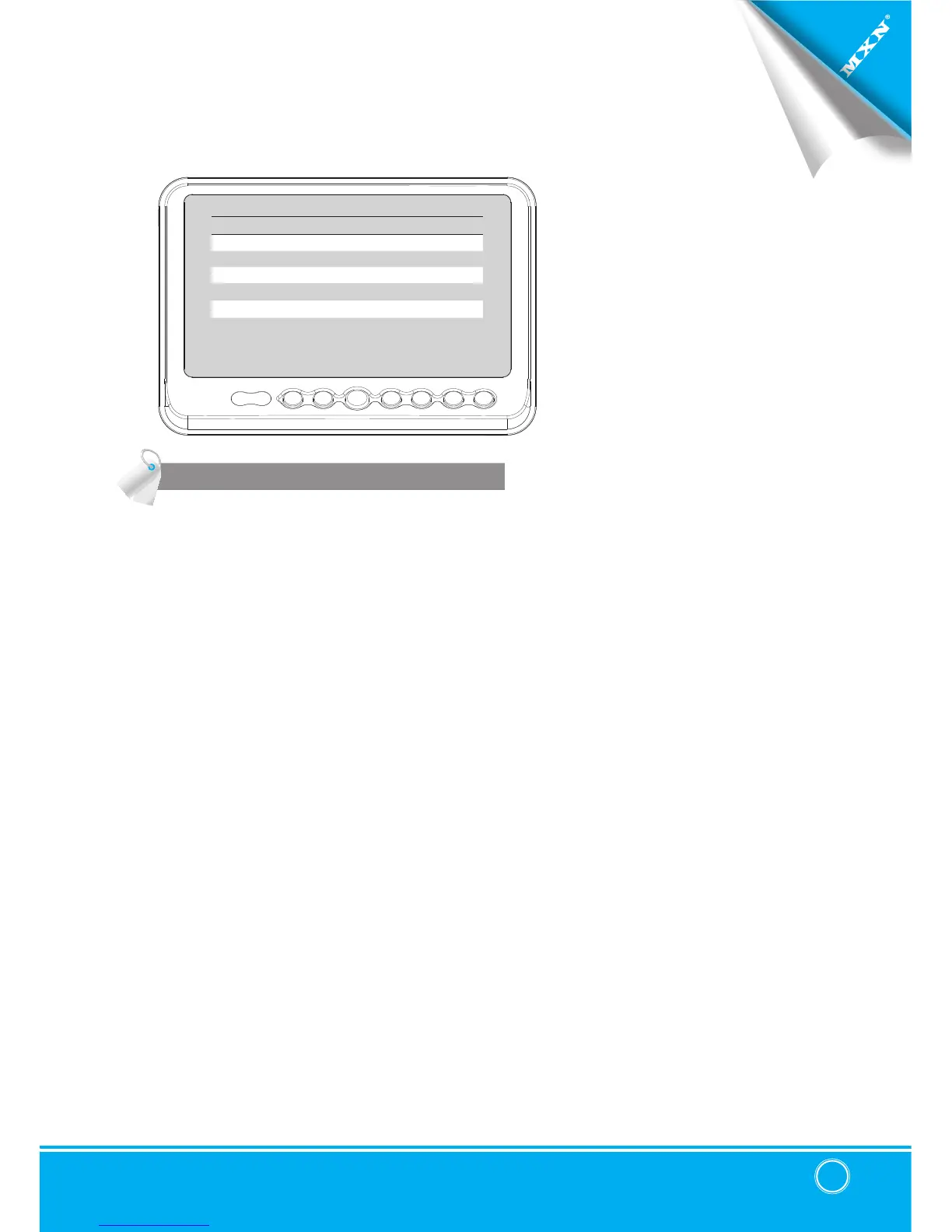
SPEED SWITCH
SPEED SW
SPEED SWITCH ON/OFF
FREQUENCY 67 Hz
UNDER FREQUENCY CAM CAM3/ CAM1~QUAD
OVER FREQUENCY DISPLAY
ON/OFF
OVER FREQUENCY CAM
CAM1/ CAM2~QUAD
The orange wire needs to be connected with the vehicle’s tacho signal and via MENU
the SPEED SWITCH needs to be selected ON. At FREQUENCY 67Hz setting(and most
common used tacho signal) the selected camera will be displayed during a speed of
0~33km/h. Select the concerning camera via『UNDER FREQUENCY CH:』(At different
type tacho signals the FREQUENCY needs to be adjusted into higher or lower value than
this example)
Over 33km/h(72Hz) the selected camera will be switched OFF automatically. When the
speed slows down, then the selected camera will be switched ON automatically again at
30km/h. Instead of automatic switch OFF at a speed over 33km/h it is also possible to
activate another video source, such as a navigation picture from an optional navigation
computer. In this case user needs to select『OVER FREQUENCY DISPLAY: ON』and user
needs to select『OVER FREQUENCY CH:』
In case of TRIGGER activation during『SPEED SWITCH ON』mode, then TRIGGERS 1~ 4
will overrule『SPEED SWITCH』function.


 To Next Page