▣ SYSTEM SETTING
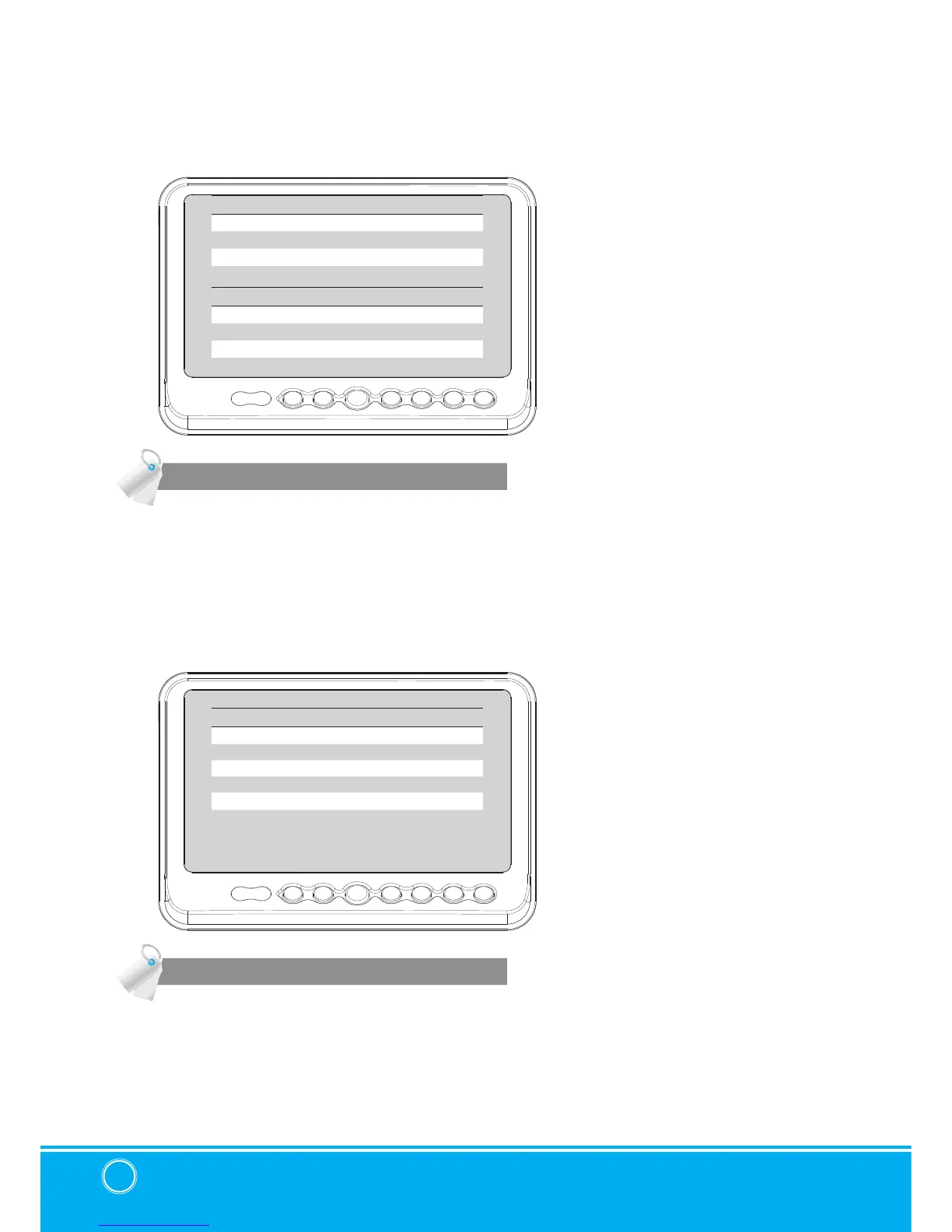
PICTURE
NORMAL/MIRROR
PICTURE
CONTRAST 50
BRIGHTNESS 50
COLOR 50
TINT 50
AUX PICTURE
CONTRAST 50
BRIGHTNESS 50
COLOR 50
TINT 50
NORMAL/MIRROR
CAM1
NORMAL/MIRROR
CAM2 NORMAL/MIRROR
CAM3 NORMAL/MIRROR
CAM4 NORMAL/MIRROR
UP/UPSIDE DOWN
UP/UPSIDE DOWN
Press [LEFT
/
RIGHT] button to adjust preferred PICTURE of the monitor.
PICTURE MENU adjust PICTURE of CAM1, CAM2, CAM3, CAM4, SPLIT, TRIPLE, QUAD
MODE
AUX PICTURE MENU adjust PICTURE of AUX MODE
User can adjust picture setting value for『CAMERA CHANNELS』and『AUX CHANNEL』
seperately.
NORMAL/MIRROR
Each camera picture (CAM1/CAM2/CAM3/CAM4) can be switchable as
NORMAL
/
MIRROR
image.
UP/UPSIDE DOWN
Camera pictures can be switchable as
UP
/
DOWN
image.


 To Next Page