24
3-6 Creating a Cutting Program (Input)
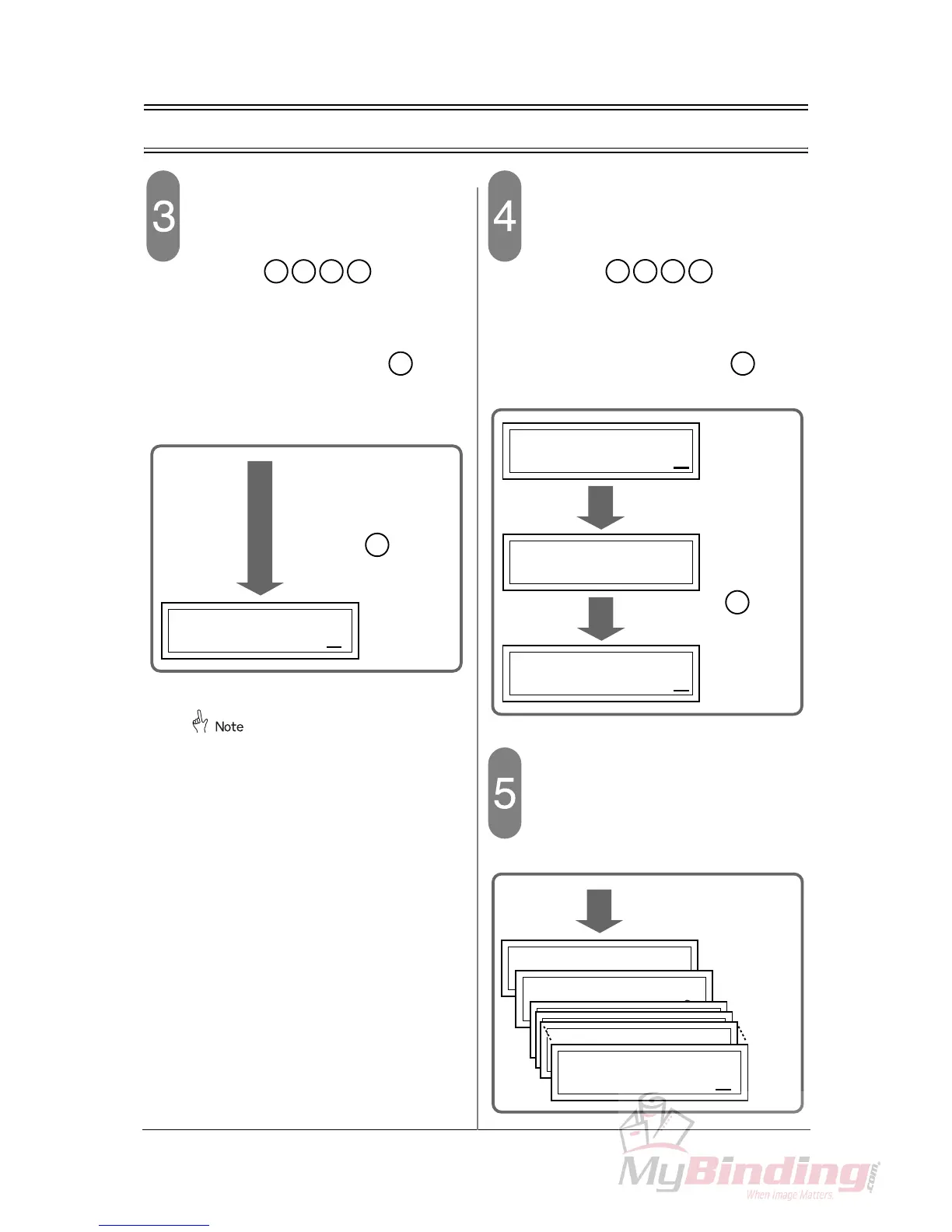
Input the cutting length for the step 1.
- In this step, the cutting length of the step 1
should be 320.0 for example.
- Press the keys on the
numeric keypad. The backgauge moves to
the position of 320.0.
- Check that the current position of the back-
gauge is “320.0” and press the key
again.
- The step 1 is set and the step 2 is ready to be
input.
If the value after the decimal point is “0”,
the decimal point and “0” is not neces-
sary to be input.
Input the cutting length for the step 2.
- In this step, the cutting length of the step 2
should be 280.0 for example.
- Press the keys on the
numeric keypad. The backgauge moves to
the position of 280.0.
- Check that the current position of the back-
gauge is “280.0” and press the key
again. The step 3 is ready to be input.
Input the cutting length for the step
3 or after as well.
- In the following procedures, the last process
should be step 13 for example.
En



 To Next Page