EasyManua.ls Logo

MyBinding Standard APC45 Programmable - Page 38

Default Icon
54 pages
Print Icon
To Next Page IconTo Next Page
To Previous Page IconTo Previous Page
Loading...
30
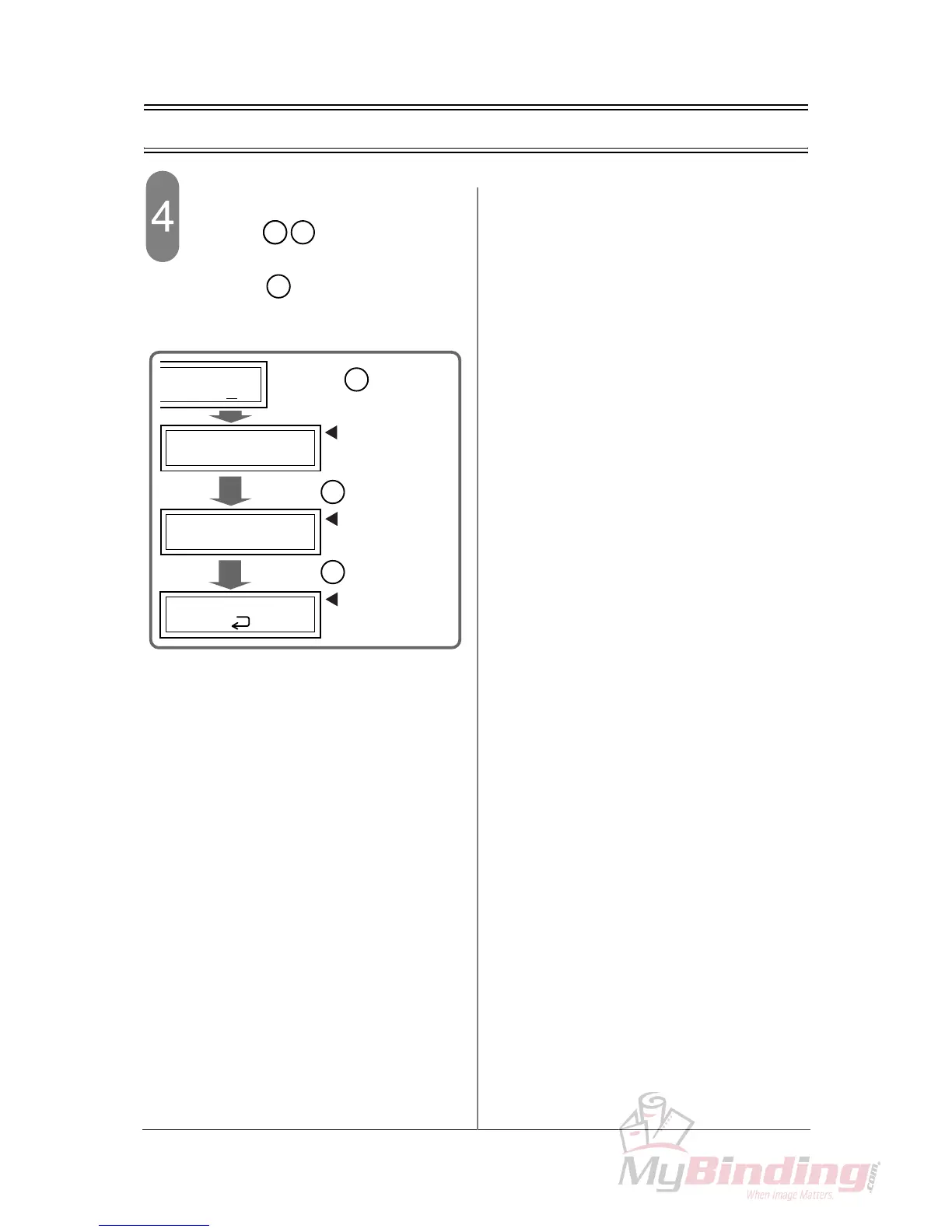
3-6 Creating a Cutting Program (Repeat Cutting Program)
Input “0” to the step 3.
- When the keys are input to the cut-
ting length, the confirmation screen appears.
When the key is pressed, the program
is determined and the cutting program starts.
En

t
0
En
t
3:0
3/0
1/2
2:90.0
1:410.0
COURSE
:
5
EXIT?
MEMORIZE?
Y
:
"Ent" N
:
"C"
Y
:
"Ent" N
:
"C"
Press the key
while the value is “0”.
En
t
Cutting operation
by programmed
value starts.
The exit
confirmation
screen appears.
When the key is pressed,
En
t
The memory
confirmation
screen appears.
When the key is pressed,
En
t

Related product manuals