29
Creating a Cutting Program (Correct) Operation Procedures
3-6 Creating a Cutting Program (Repeat Cutting Program)
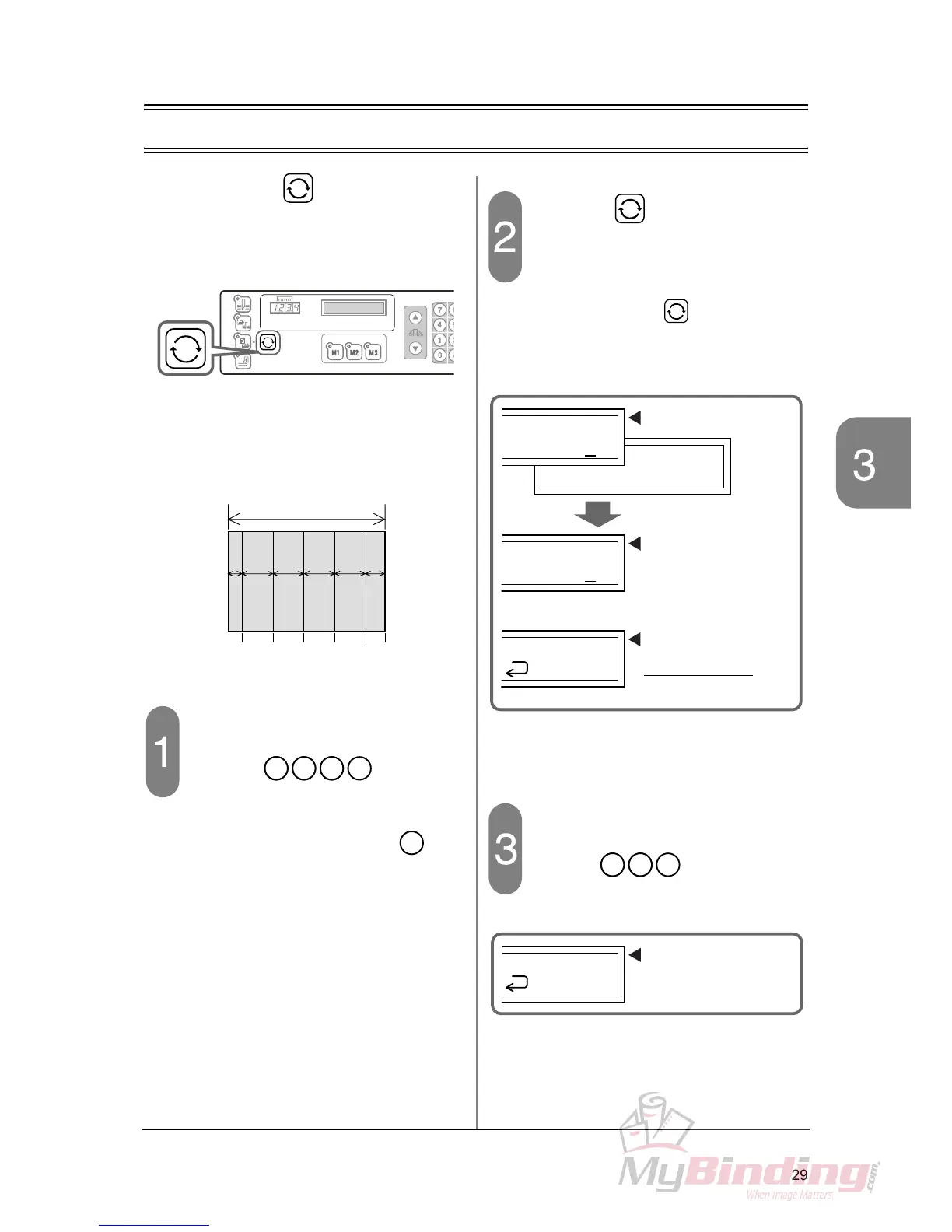
When using the button, the program
to cut the sheets for the same length con-
tinuously can be easily input.
This section explains how to use the repeat
function.
Example:
420 mm sheets are cut to 410 mm, and then
the rest of the sheets are divided evenly by
90 mm.
Input 410 for the step 1.
- Press the keys. The
backgauge moves to the input position and
stops.
- Check the position and press the key.
The step 2 can be input.
Press the button and set the
repeat of the step.
- The “repeat” mark appears on the guide win-
dow.
- When you press the button again, the
“repeat” mark disappears.
Input the repeat cutting length 90.
- Input the keys.
10
90 90
420
90 90 50
0
50
140
230
320
410
En



 To Next Page