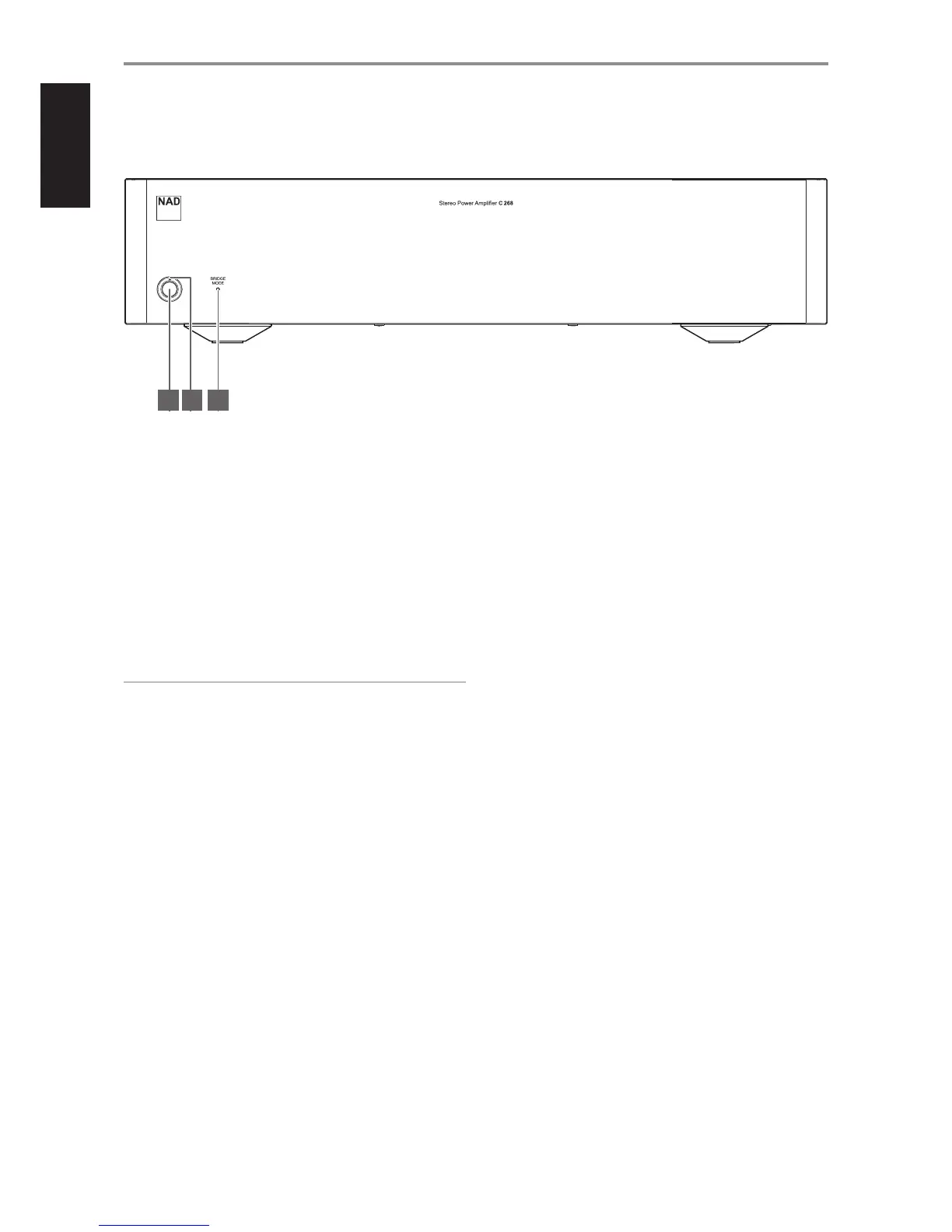
1 STANDBY BUTTON
• Press Standby button to switch ON the C 268 from standby mode.
The Power indicator will change from amber to blue color.
• Pressing Standby button again switches back C 268 to standby
mode. The Power indicator will change from blue to amber color.
• The Standby button cannot activate the C 268 if the rear panel
POWER switch is o.
2 POWER INDICATOR
• This indicator will be amber when the C 268 is in standby mode.
• When the C 268 is powered up from standby mode, this indicator
will change in color from amber to red and nally blue.
IMPORTANT NOTES
For the Standby button to activate, the following must occur:
a The supplied power cord from the C 268 must be plugged in to a
power source.
b The rear panel POWER switch must be set to ON.
3 BRIDGE MODE INDICATOR
• This BRIDGE MODE indicator lights up blue when the Bridge Mode
switch at the rear panel is set to ON (MONO).
• Refer also to item 13 BRIDGE MODE on page 8.
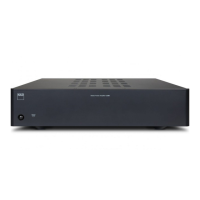
IDENTIFICATION OF CONTROLS
FRONT PANEL
1 2 3
6


 To Next Page