IR LEARNING DEVICE
IR Learning Device enables any non-NAD remote control to learn AMP
and BluOS basic remote control codes. With the learned codes, use the
congured non-NAD remote control to command or operate the C 388.
HOW TO LEARN REMOTE CONTROL CODES
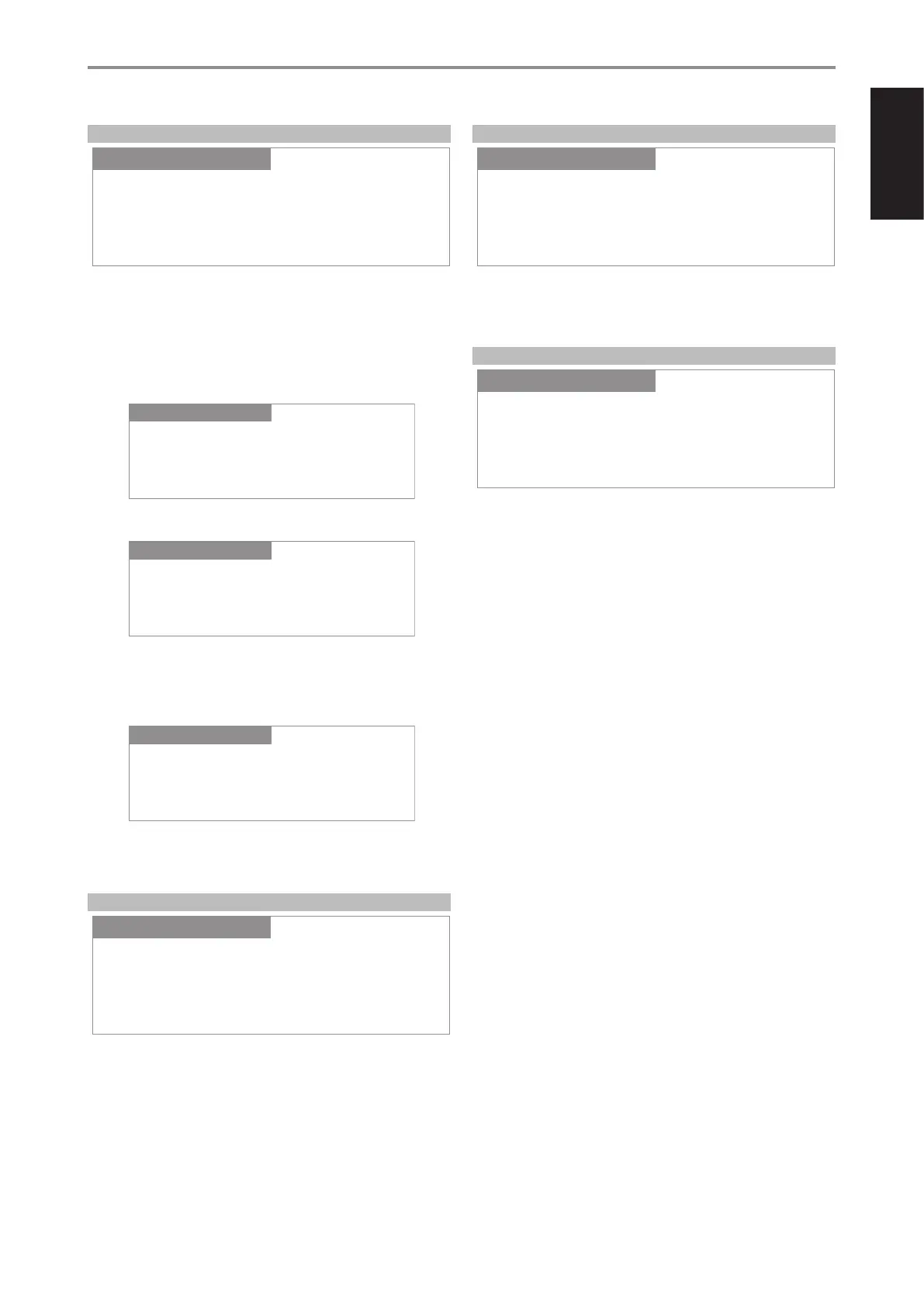
1 Go to IR Learning Device menu. Select either AMP or BLS.
2 Select AMP and the rst Amp Learning Key appears – VOLUME UP.
3 Press ENTER to select VOLUME UP and initiate learning mode.
4 Direct or point the non-NAD remote control to the IR sensor in the
front panel. Then, press desired button on the non-NAD remote
control where VOLUME UP will be learned. Upon pressing the
designated button, display will turn to “Learned”.
5 “VOLUME UP” is now learned into the designated button. Repeat
the same for the other codes to be learned. The same procedure
applies for BLS learning.
FIRMWARE VERSION
Display Main (MCU), VFD (display) and BT (Bluetooth) rmware versions.
FIRMWARE UPGRADE
Select Firmware Upgrade to initiate VFD Upgrade or BT Upgrade. At each
upgrade mode, select “Yes” to start upgrade process or “No” to retain current
rmware.
MDC CARD UPGRADE
MDC CARD UPGRADE identies and shows the MDC modules installed at
the MDC slots in the rear panel.
OPERATION
OTHER FEATURES
IR Learning Device
SettingsSource Setup
AMP
Settings
MDC Card Upgrade
SettingsSource Setup
Slot:2 BluOS
Settings
Amp Learning Key
SettingsSource Setup
VOLUME UP
Settings
VOLUME UP
SettingsSource Setup
Learning...
Settings
VOLUME UP
SettingsSource Setup
Learned
Settings
Firmware Version
Main:V1.39
VFD :V1.13
BT :V1.13
SettingsSource Setup Settings
Firmware Upgrade
SettingsSource Setup
VFD Upgrade
Settings
15
ENGLISHFRANÇAISESPAÑOLITALIANODEUTSCHNEDERLANDSSVENSKAРУССКИЙ



 To Next Page