13
IMPORTANT NOTES
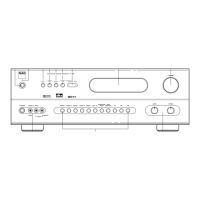
1. Show the software version
Press “TUNE UP” and “TAPE MONITOR”.
2. Toggle between PAL and NTSC
Press “MEMORY” and “SPEAKER A”.
3. Light up all the icon on the VFL.
Press “FM/MUTE” and “SPEAKER B”.
4. Toggle between 9K and 10K
Press “FM/MUTE” and “Digital Audio Selector”.
5. Clear all tuner presets
Change the setting of 9KHz / 10KHz Step.


 To Next Page