30
9. Uniti Series Network Audio Streaming
Spotify
®
playback
Spotify
®
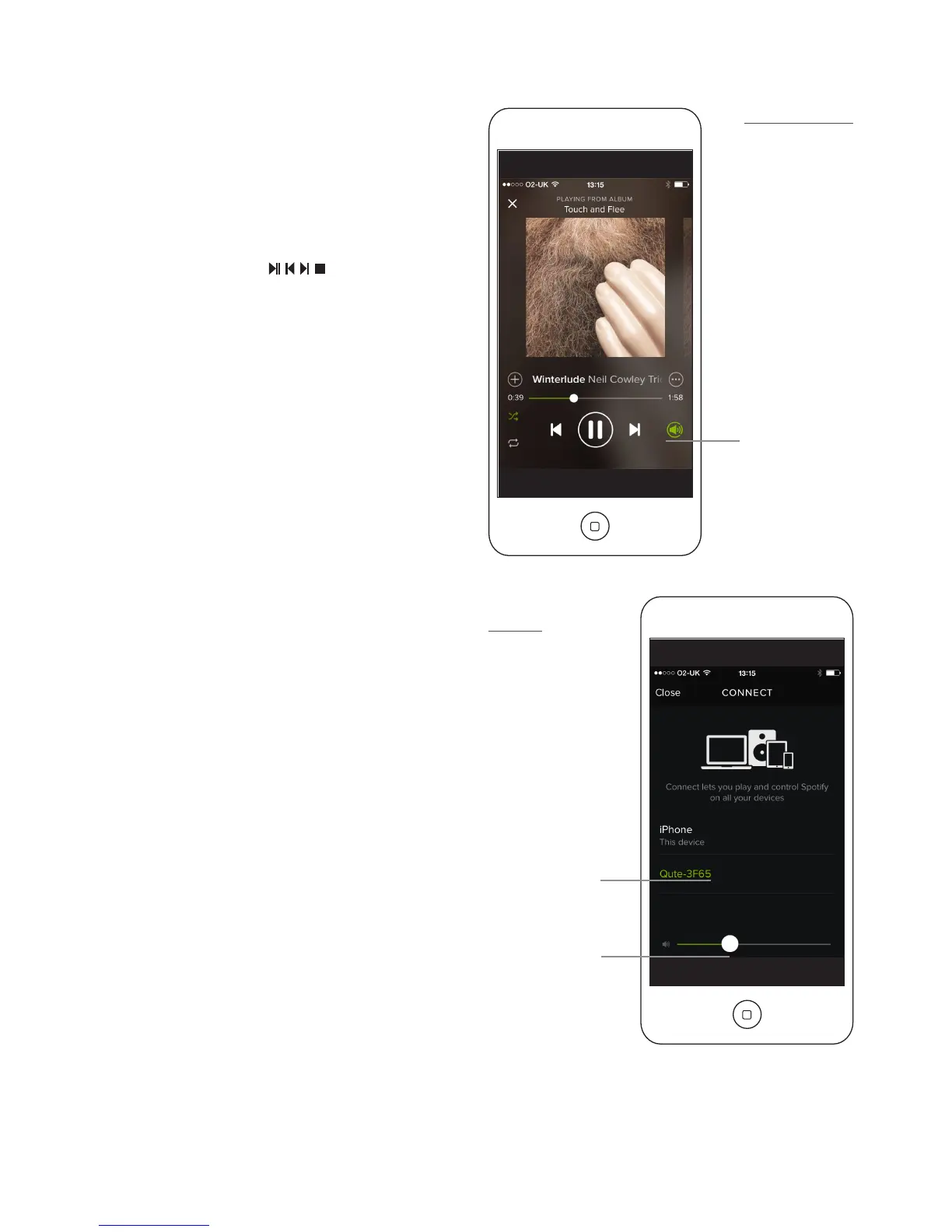
Connect
Dialogue
Spotify
®
Connect
logo
Uniti Series product
9.2 Spotify® Connect Streaming
With its Spotify
®
input enabled (see Section 4.3.8), a Uniti
Series product connected to the same local network as a
device running the Spotify
®
app, and in receipt of a Spotify
®
stream, will automatically select its Spotify
®
input and play
the stream. The streamed audio programme will display
on the Uniti Series product front panel and on the Naim
app. Programme transport ( ) and volume can be
controlled using the remote control handset, the front panel
controls or the Naim or Spotify
®
apps.
To play a Spotify
®
stream, open the Spotify
®
app and
select the Spotify
®
Connect logo. The available Uniti Series
products will be listed for selection. Select the desired one
to nominate it as the Spotify
®
Connect playback device.
Once selected, Spotify
®
playback will commence, after a
short delay, on the Uniti Series product.
Volume control





 To Next Page