12
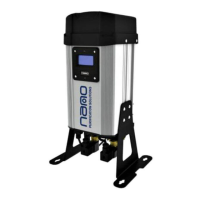
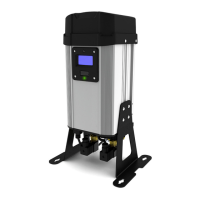
heatless desiccant air dryer
D2
2.8 remote stop control
To gain access to the remote stop feature:
• Locate electrical connector 4 (see gure 3). Remove the screw from electrical connector.
• emove the electrical connectors cover.
• Using the connections available create a link between pins 1 and 4;
Pin 1: 24V DC + (Positive) Output
Pin 2: N/A
Pin 3: N/A
Pin 4: Remote Stop Input
• When the connection is made, i.e. the dryer has been remotely switched off, the dryer will stop cycling and go into standby
mode, displaying “REMOTE STOP ACTIVE”. If the connection is broken the dryer will operate as normall.
• Re-attach the electrical connectors cover and screw back onto the control plate.
• Using remote stop ensures the correct shut-down sequence is implemented.


 To Next Page