15
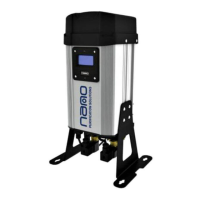
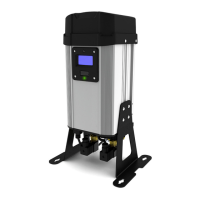
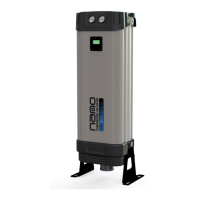
heatless desiccant air dryer
D2
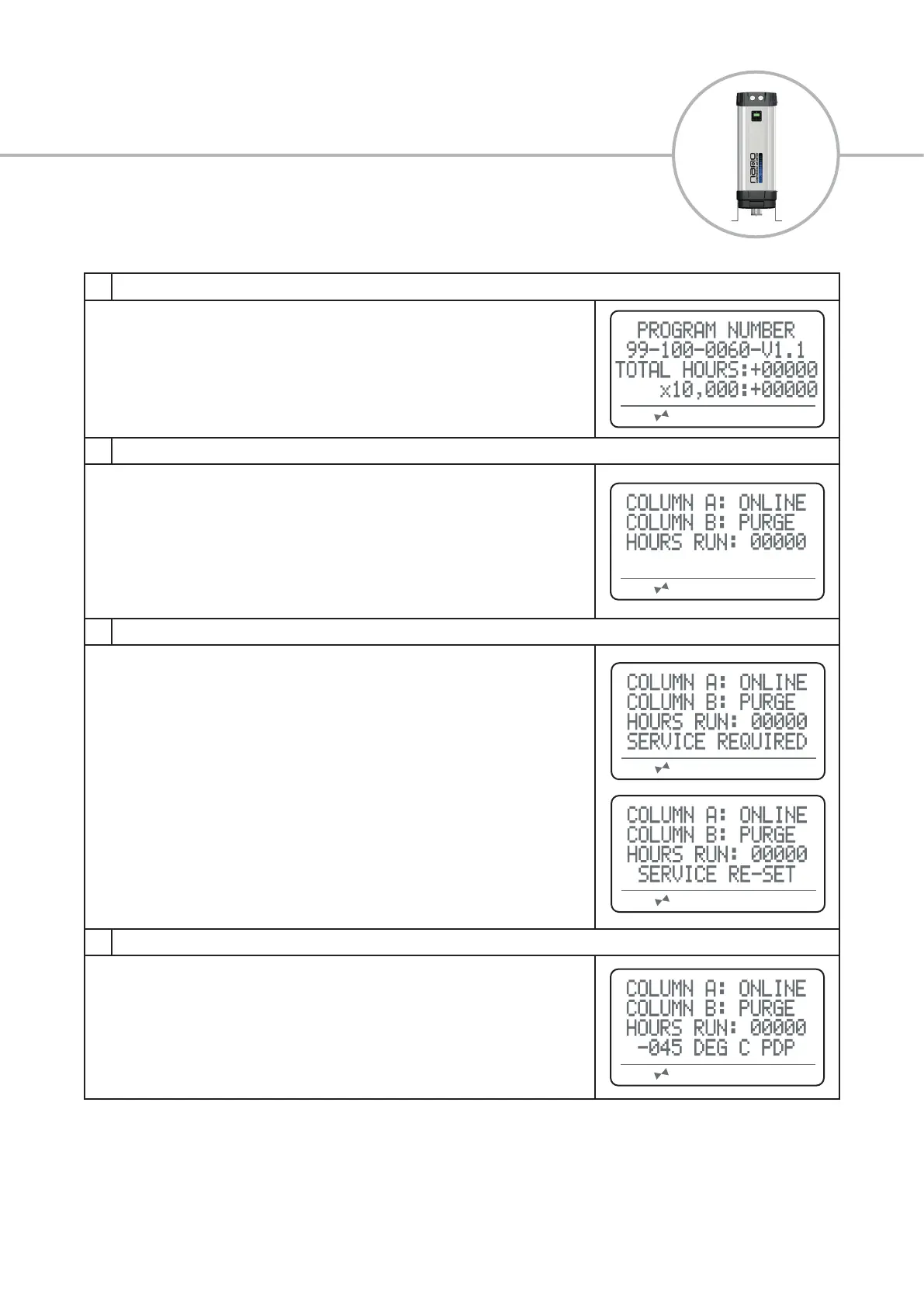
1 Power-up Display (only visable on power start-up for 10 seconds)
During power-up the screen will display:
Program number followed by the version
Total hours the product has operated
This screen can be displayed at any time by pressing and holding buttons 1 & 2 for
two seconds
2 Normal Operation Display
During normal operation the screen will display:
Column ‘A’ and ‘B’ status, this will show as one of three sequences:
ONLINE - column is owing
PURGE - column is regenerating
READY - column is waiting to switch
Hours the dryer has run between services
3 Service Re-set Display
When due a service, the product display will show ‘SERVICE REQUIRED’.
After servicing the product, you will be required to reset the service hours run
counter. When a magnet is held to the specied area on the dryer shroud for 10
seconds, the screen will display ‘SERVICE
RE-SET’. The hours run counter will revert back to zero.
4 Normal Operation Display (ES Models)
During normal operation of an ES enabled product, the screen will constantly disply
the updated pressure dewpoint reading. This can be displayed in either degrees
celcius or degrees fahrenheit, depending on how the controller is congured.
Speak to the manufacturer about your requirements


 To Next Page