ELT-400 4 Control and display elements
4-5
4.2.2 Display backlight
Switching on the display backlight
⇒ With the instrument switched on, press the ON/OFF key briefly.
The display backlight switches on.
Switching off the display backlight
⇒ Press the ON/OFF key briefly.
The display backlight switches off.
Note: The operating time of the instrument is reduced when the display
backlight is switched on, as additional current is used. To
conserve battery power, the display backlight switches off
automatically after about 10 minutes.
5 Display of selected lower frequency range limit:
• 1 Hz
• 10 Hz
• 30 Hz
6 Selected operating mode indicated by arrow symbol.
7 Display of selected detection mode:
• RMS = root mean square value.
• Stnd = automatic selection according to exposure evaluation
schemes.
• Peak = peak value.
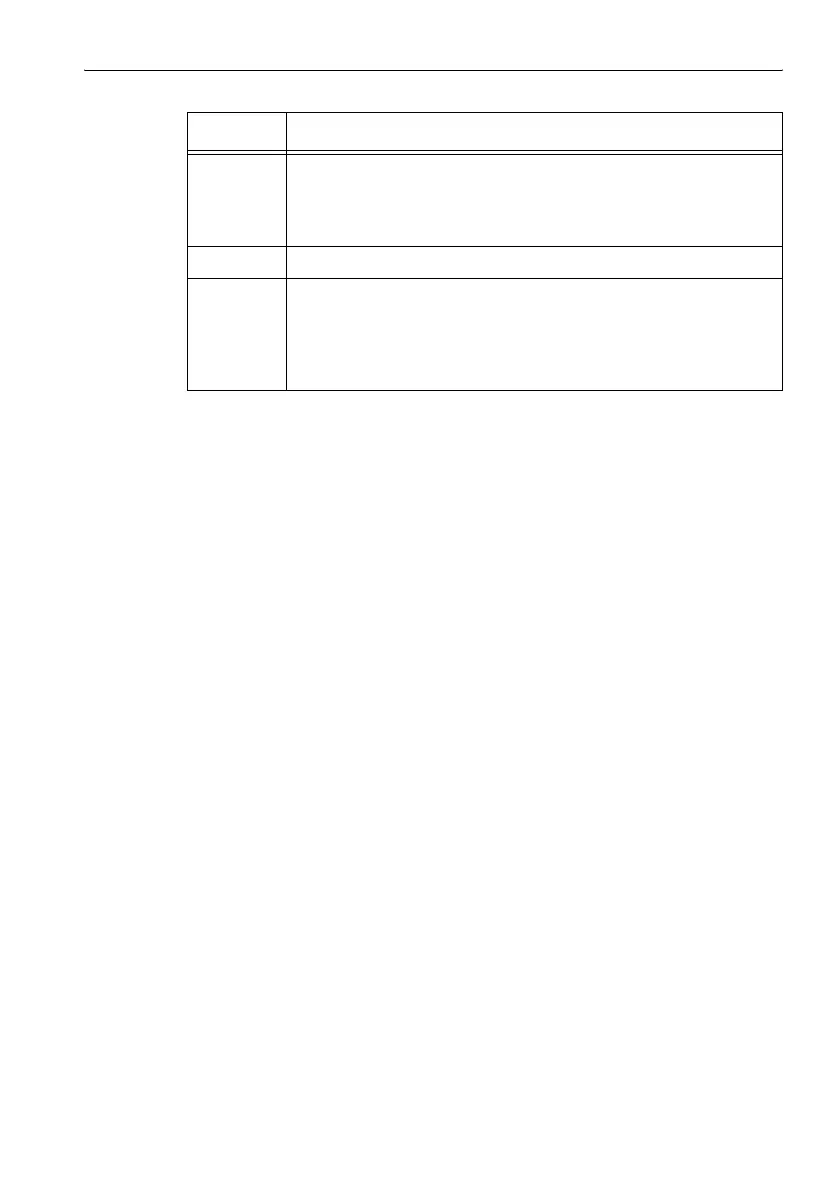
No. Function
Table 4-2 LCD display elements


 To Next Page