ELT-400 7 Remote control
7-3
7.2 Fundamentals of remote control
All settings can be made and results read out by remote control instead of
manual operation.
Note: The instrument parameters are set to defined default values if you
switch the ELT-400 off and then on again before using it in remote
control mode. This also applies to various other operating actions.
ª Annex A: Default values
7.2.1 Overview of remote control commands
The ELT-400 runs through a test phase when you switch it on. This tests
important settings and instrument configurations.
The following remote control commands can be used to query or change the
instrument status:
The ELT-400 is in the measurement phase as soon as the test phase has
been completed successfully.
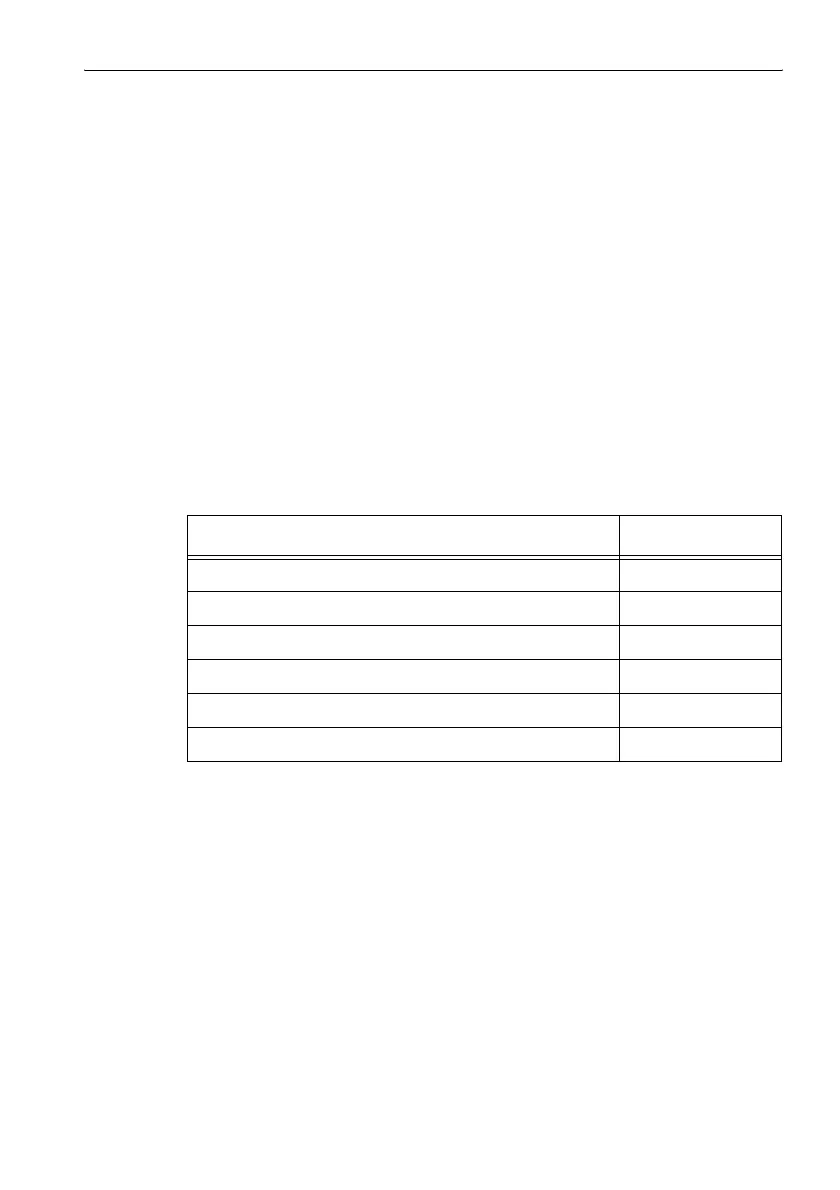
Remote control command
*IDN?[CR]<LF> see page 7-19
SYST:BAT?[CR]<LF> see page 7-19
SYST:DEFAULTS[CR]<LF> see page 7-21
SYST:ERR?[CR]<LF> see page 7-20
SYST:KLOCK[?][CR]<LF> see page 7-16
SYST:XONXOFF[?]<SP><param>[CR]<LF> see page 7-21
Table 7-1 Remote control commands for querying the instrument status


 To Next Page