2
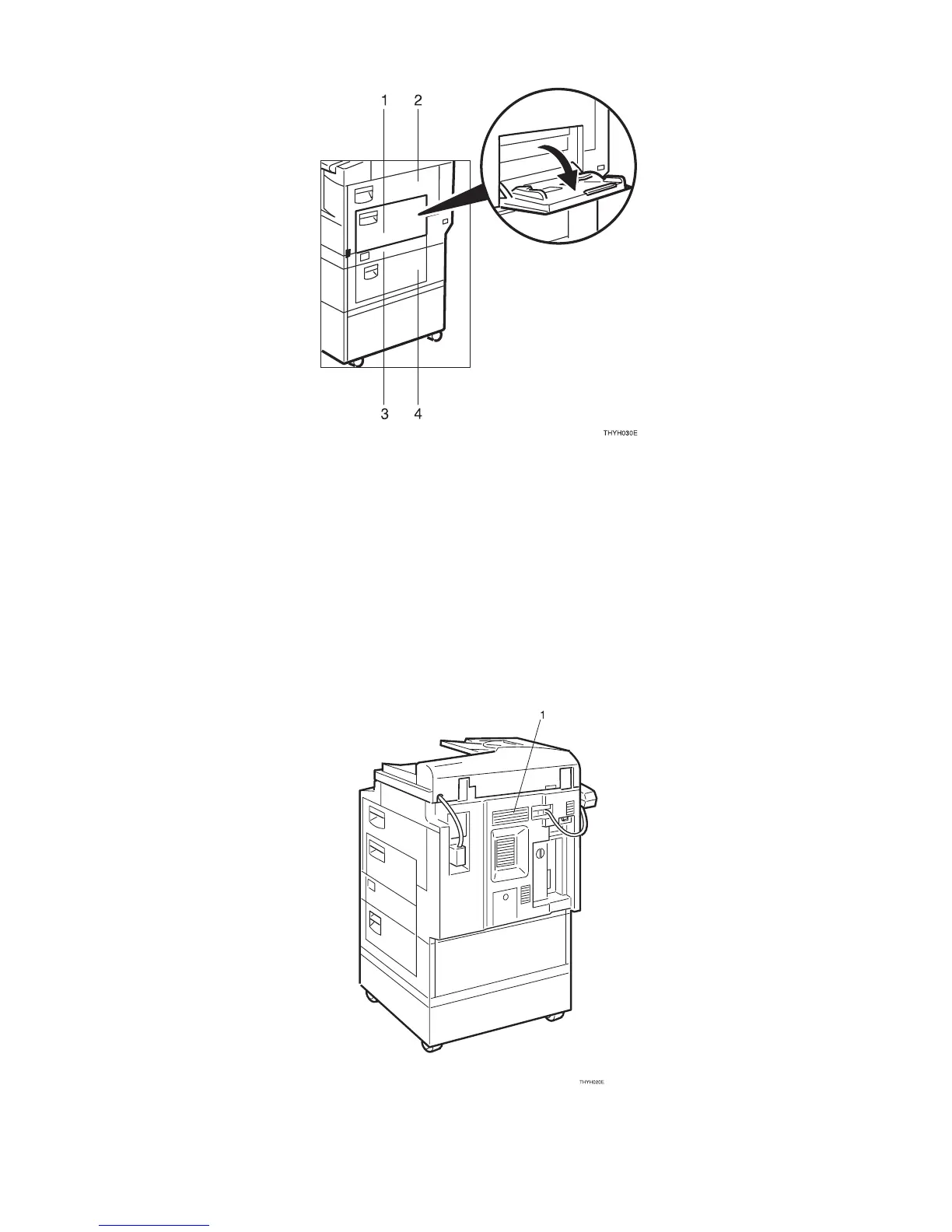
1. Bypass tray
Use to copy onto OHP transparencies,
adhesive labels, translucent paper, post
cards, envelopes and non-standard size
paper. See ⇒ P.39 “Copying from the By-
pass Tray”.
2. Side cover
Open to remove jammed paper fed from the
paper tray, or to replace the toner cartridge.
3. Paper tray side cover
Open this cover to remove jammed
paper which fed from the paper tray
unit
.
4. Optional paper tray side cover
Open this cover to remove jammed paper
which fed from the optional paper tray
unit.
1. Ventilation hole
Prevents overheating. Do not obstruct
the ventilation hole by placing or leaning
an object near it. If the machine over-
heats, a fault might occur.



 To Next Page