25
2. Copying
Basic Procedure
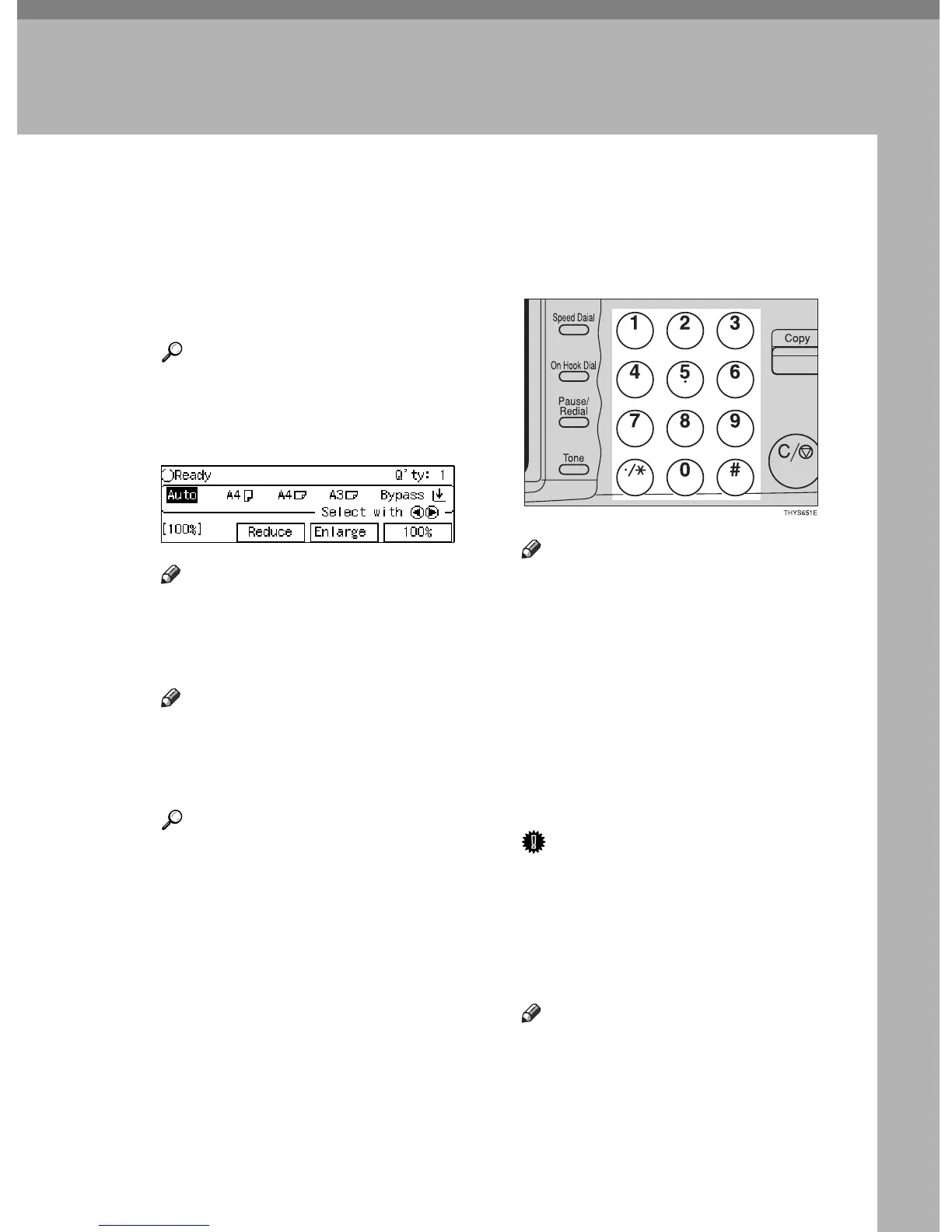
A When the machine is set for user
code, enter the user code with the
{
{{
{
Number
}
}}
} keys and then press the
{
{{
{
#
}
}}
} key.
Reference
See ⇒ P.50 “User Codes”.
B Make sure that the machine is in
Copy mode.
Note
❒ If not, press the {
Copy
} key.
C Make sure that there are no previ-
ous settings remaining.
Note
❒ To clear settings, press the
{
Clear Modes
} key.
D Set your originals.
Reference
See ⇒ P.27 “Setting Originals”.
E Set your desired settings.
F Enter the number of copies re-
quired with the {
{{
{
Number
}
}}
} keys.
Note
❒ The maximum copy quantity
can be set between 1 and 99 (de-
fault: 99). See “05. Max. Copy
Q'ty” in ⇒ P.79 “1. General Fea-
tures
2
/
4
”.
❒ To change the number entered,
press the {
Clear/Stop
} key and
enter the new number.
G Press the {
{{
{
Start
}
}}
} key.
The machine starts copying.
Important
❒ If the number of delivered cop-
ies exceeds the delivery tray ca-
pacity, paper jam might occur.
Remove copies before the stack
gets higher than the copy deliv-
ery exit.
Note
❒ To stop the machine during the
multi-copy run, press the {
Clear/
Stop
} key.



 To Next Page