What to do If Something Goes Wrong
66
3
B Loading Paper
Note
❒ If you want to change the paper
size, see ⇒ P.72 “Changing the Pa-
per Size”.
Reference
Regarding paper types and sizes
that can be set, see ⇒ P.17 “Copy
Paper”.
A Pull out the paper tray until it
stops.
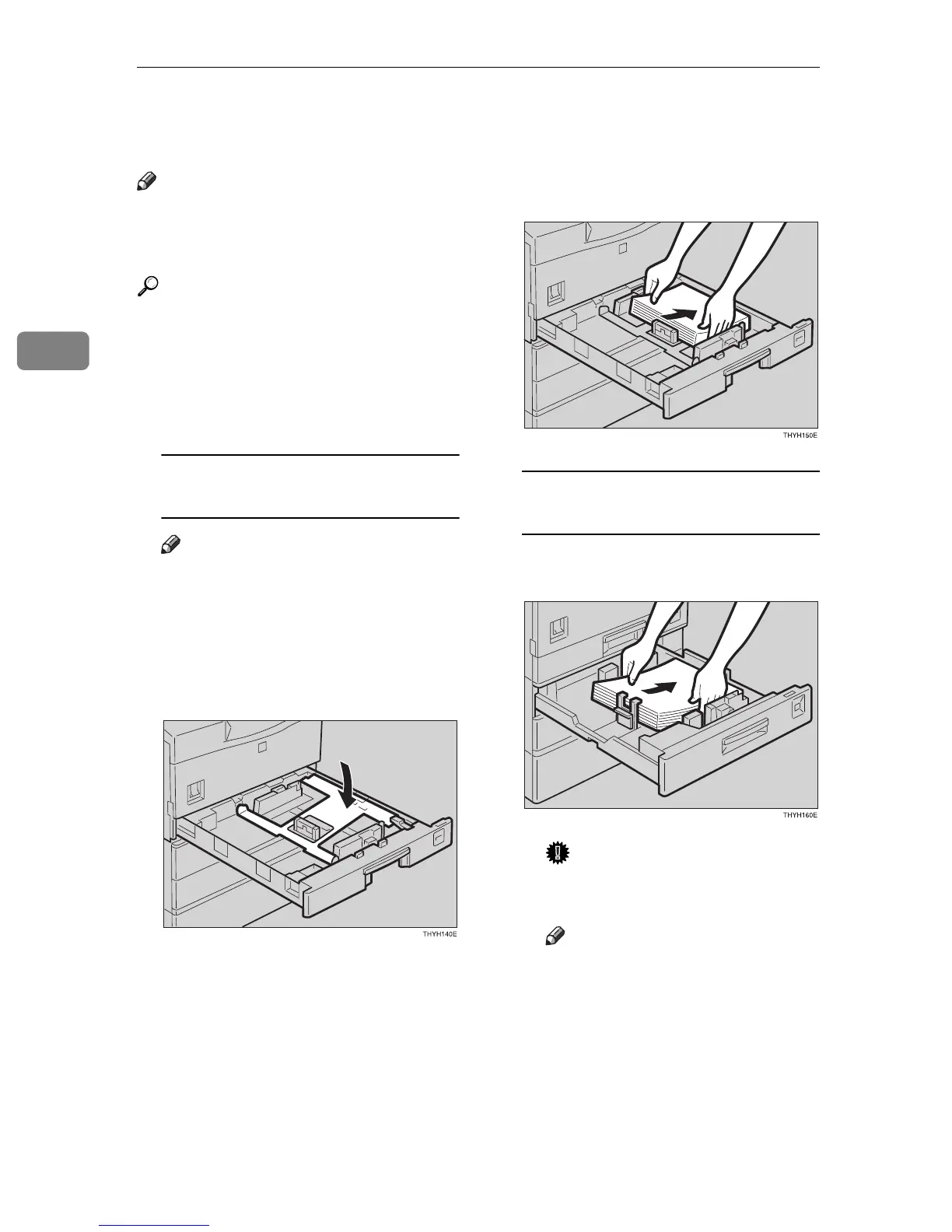
Loading paper in the paper tray
(Tray 1)
Note
❒ The bottom plate lower auto-
matically, if not, lower it.
❒ When the bottom plate is up,
the paper tray cannot reset.
A Make sure the bottom plate is
down.
B Square the paper and set it in
the tray.
Loading paper in the paper tray
unit (Tray 2, 3)
A Square the paper and set it in
the tray.
Important
❒ Do not stack paper over the
limit mark.
Note
❒ Shuffle the paper before set-
ting it in the tray.
B Push the paper tray in until it
stops.



 To Next Page