Preset Reduce/Enlarge—Reducing and Enlarging Using Preset Ratios
51
2
Preset Reduce/Enlarge—Reducing and
Enlarging Using Preset Ratios
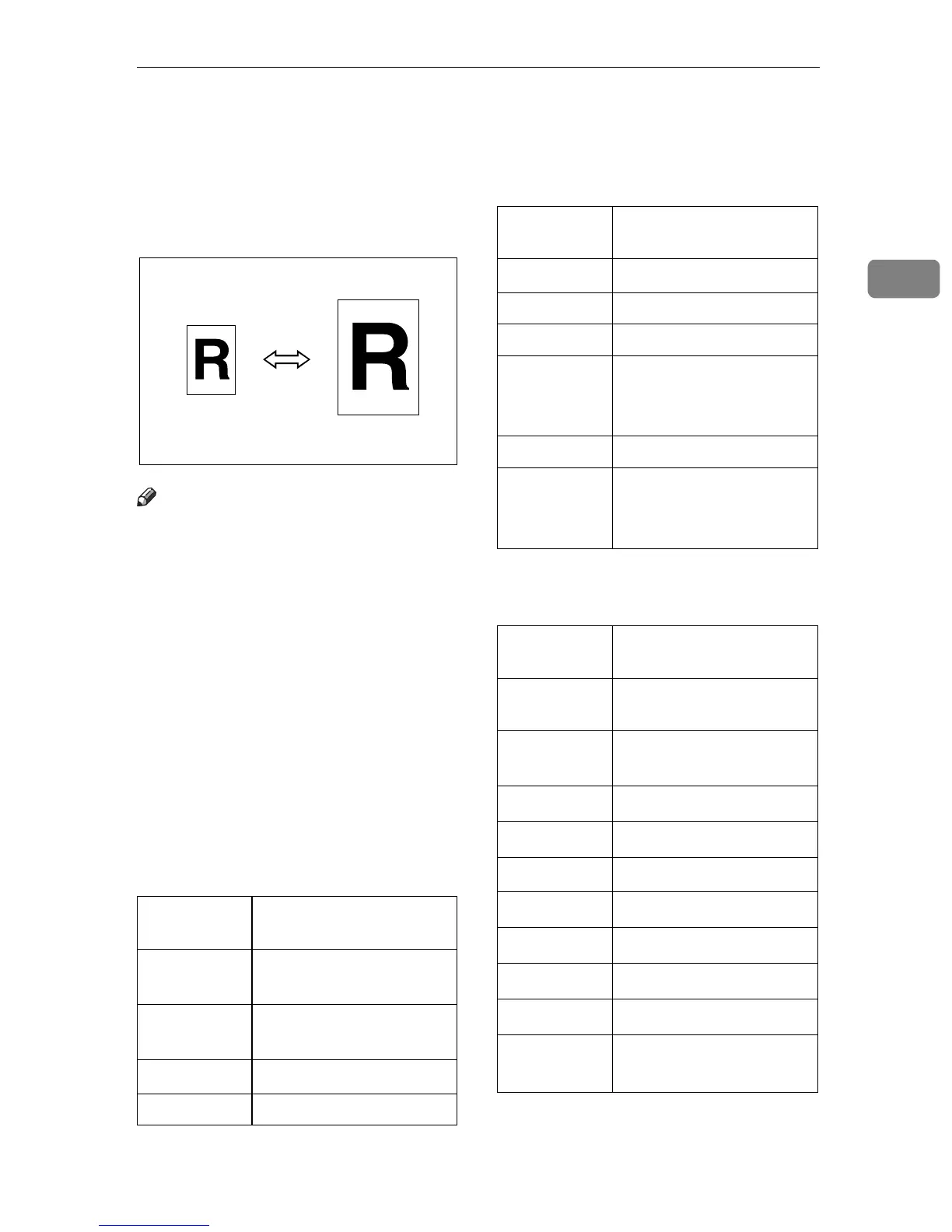
You can select a preset ratio for copy-
ing.
Note
❒ You can select one of 6 present ra-
tios (3 enlargement ratios, 3 reduc-
tion ratios).
❒ You can change the preset ratios to
other ratios you frequently use. See
“05. Set Ratio” in⇒ P.79 “1. General
Features
2
/
4
”.
❒ You can select a ratio regardless of
the size of an original or copy pa-
per. With some ratios, parts of the
image might not be copied or mar-
gins will appear on copies.
❒ Copies can be reduced or enlarged
as follows:
❖
❖❖
❖
Metric version
*1
Default
❖
❖❖
❖
Inch version
*1
Default
Ratio (%)
Original →
→→
→ Copy paper
size
200 (enlarge
area by 4)
*1
A5
→
A3
141 (enlarge
area by 2)
*1
A4
→
A3, A5
→
A4
122
*1
F
→
A3, A4
→
B4
115 B4
→
A3
93
*1
Create Margin.
87 A3
→
B4
82 F
→
A4, B4
→
F
71 (reduce
area by
1
/
2
)
*1
A3
→
A4, A4
→
A5
65 A3
→
F
50 (reduce
area by
1
/
4
)
*1
A3
→
A5, F
→
A5
Ratio(%) Original →
→→
→ Copy paper
size
200 (enlarge
area by 4)
5
1
/
2
"
×
8
1
/
2
"
→
11"
×
17"
155 (enlarge
area by 2)
*1
5
1
/
2
"
×
8
1
/
2
"
→
8
1
/
2
"
×
14"
129
*1
8
1
/
2
"
×
11"
→
11"
×
17"
121
*1
8
1
/
2
"
×
14"
→
11"
×
17"
93
*1
Create Margin
85
F
→
8
1
/
2
"
×
11"
78
*1
8
1
/
2
"
×
14"
→
8
1
/
2
"
×
11"
74
11"
×
14"
→
8
1
/
2
"
×
11"
65
*1
11"
×
17"
→
8
1
/
2
"
×
11"
50 (reduce
area by
1
/
4
)
11"
×
17"
→
5
1
/
2
"
×
8
1
/
2
"
Ratio (%)
Original →
→→
→ Copy paper
size



 To Next Page