User Tools (Copy Features)
78
4
Settings You Can Change with the User
Tools
Reference
For how to access the user tools, see ⇒ P.75 “Accessing the User Tools (Copy Fea-
tures)”.
For how to access the user tools, see ⇒ P.7 “Function menu display”
1. General Features
1
/
4
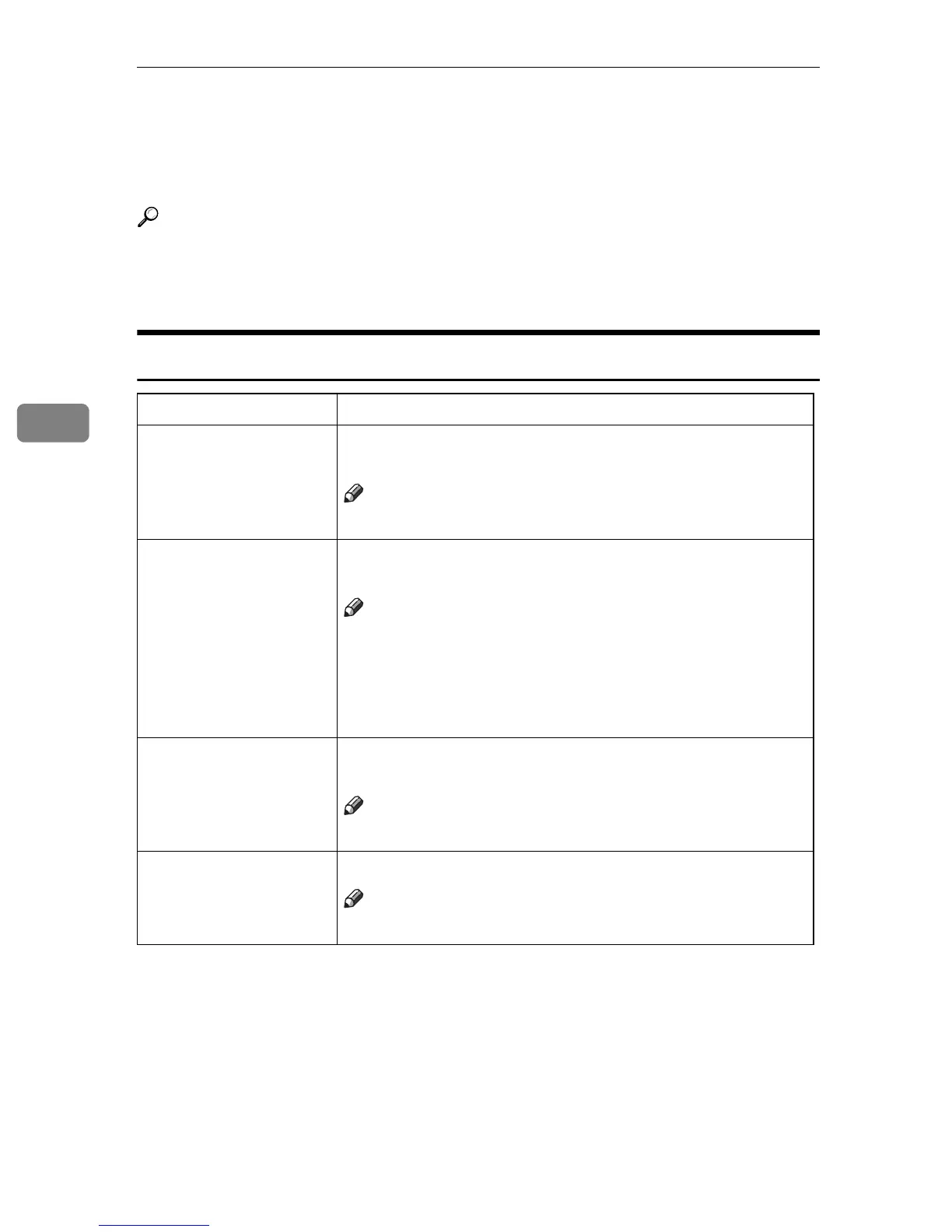
Menu Description
01. APS Priority As a default setting, Auto Paper Select is selected. You can
cancel this setting.
Note
❒
Default: Yes
02. ADS Priority In each mode of Text, Text·Photo and Photo, you can spec-
ify whether to select Auto Image Density.
Note
❒
Default:
•Text: Yes
•Text·Photo: Yes
•Photo: No
03. Original Priority As a default setting, Text is selected as original Type. You
can change it to Text·Photo or Photo.
Note
❒
Default: Text
04. Max. Copy Q'ty The maximum copy quantity can be set between 1 and 99.
Note
❒
Default: 99



 To Next Page