Basic Functions
35
2
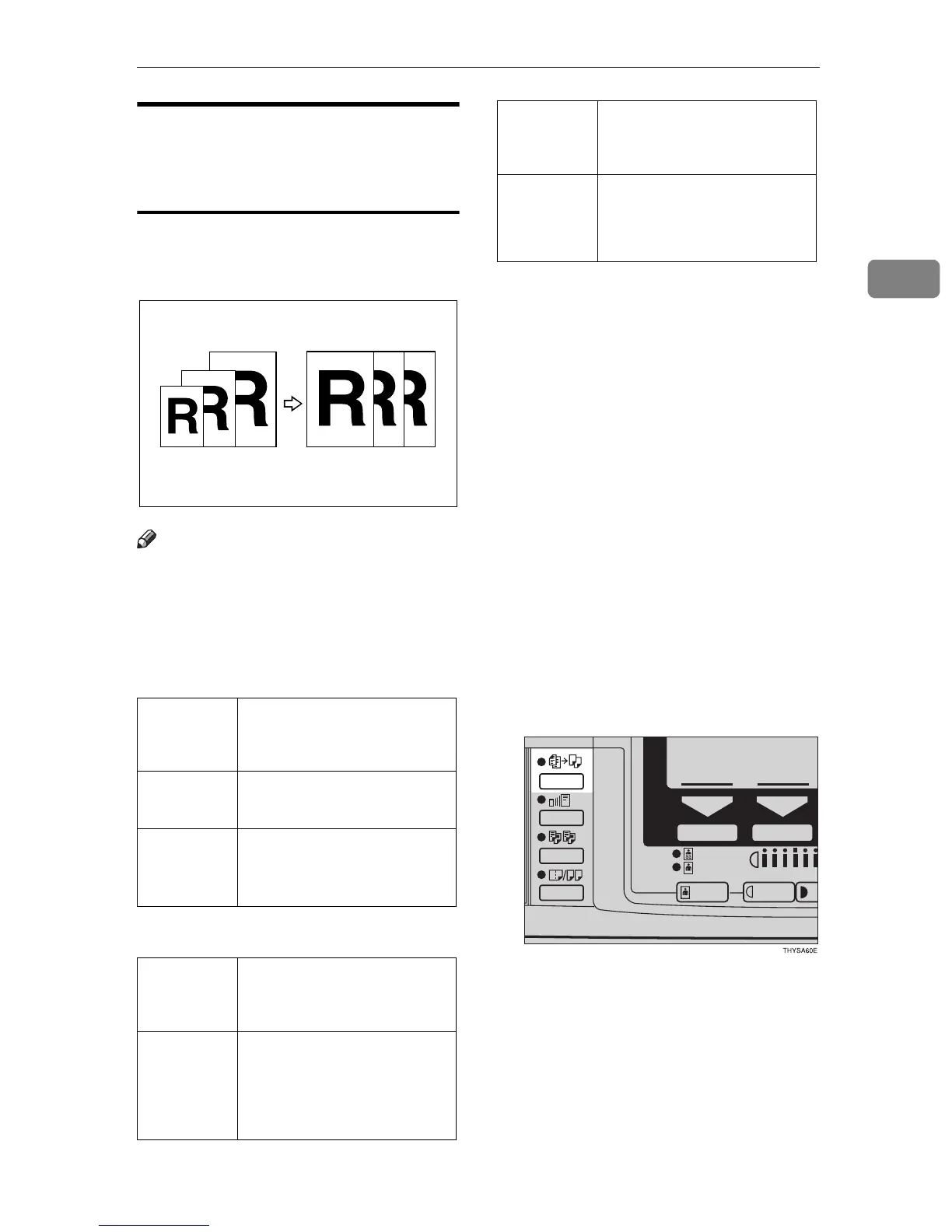
Auto Reduce/Enlarge—Having
the Machine Choose the
Reproduction Ratios
The machine can choose an appropri-
ate reproduction ratio based on the
paper and original sizes you select.
Note
❒ When you use Auto Reduce/En-
large, refer to the following table
for possible original sizes and di-
rections:
❖
❖❖
❖
Metric version
❖
❖❖
❖
Inch version
❒ The reproduction ratios the ma-
chine will select are 50 – 200%.
❒ For some originals, the original
size might not be detected correct-
ly. See ⇒ P.15 “Sizes Difficult to De-
tect”.
❒ When you set original of two dif-
ferent size at a time, you must set
one original at a time. See ⇒ P.29
“Setting one original at a time
(SADF) mode”
❒ Image Rotation is not available
when copying onto A3 (11" × 17")
paper with the Enlarge feature. Set
your original lengthwise when
copying onto A3 (11" × 17") paper
with the Enlarge feature.
A Press the {
{{
{
Auto Reduce/Enlarge
}
}}
}
key.
Where
original is
set
Original size and direc-
tion
Exposure
glass
A3
L
, B4
L
, A4
KL
, B5
KL
, 8
1
/
2
"
×
13"
L
Document
feeder
A3
L
, B4
L
, A4
KL
, B5
KL
, A5
KL
, 8
1
/
2
"
×
13"
L
Where
original is
set
Original size and direc-
tion
Exposure
glass
11"
×
17"
L
, 8
1
/
2
"
×
14"
L
,
8
1
/
2
"
×
11"
KL
10"
×
8"
L
, 8
1
/
2
"
×
13"
L
, 10"
×
14"
L
Document
feeder
11"
×
17"
L
, 8
1
/
2
"
×
14"
L
,
8
1
/
2
"
×
11"
KL
, 5
1
/
2
"
×
8
1
/
2
"
KL
, 10"
×
14"
L
Where
original is
set
Original size and direc-
tion



 To Next Page