What to do If Something Goes Wrong
74
3
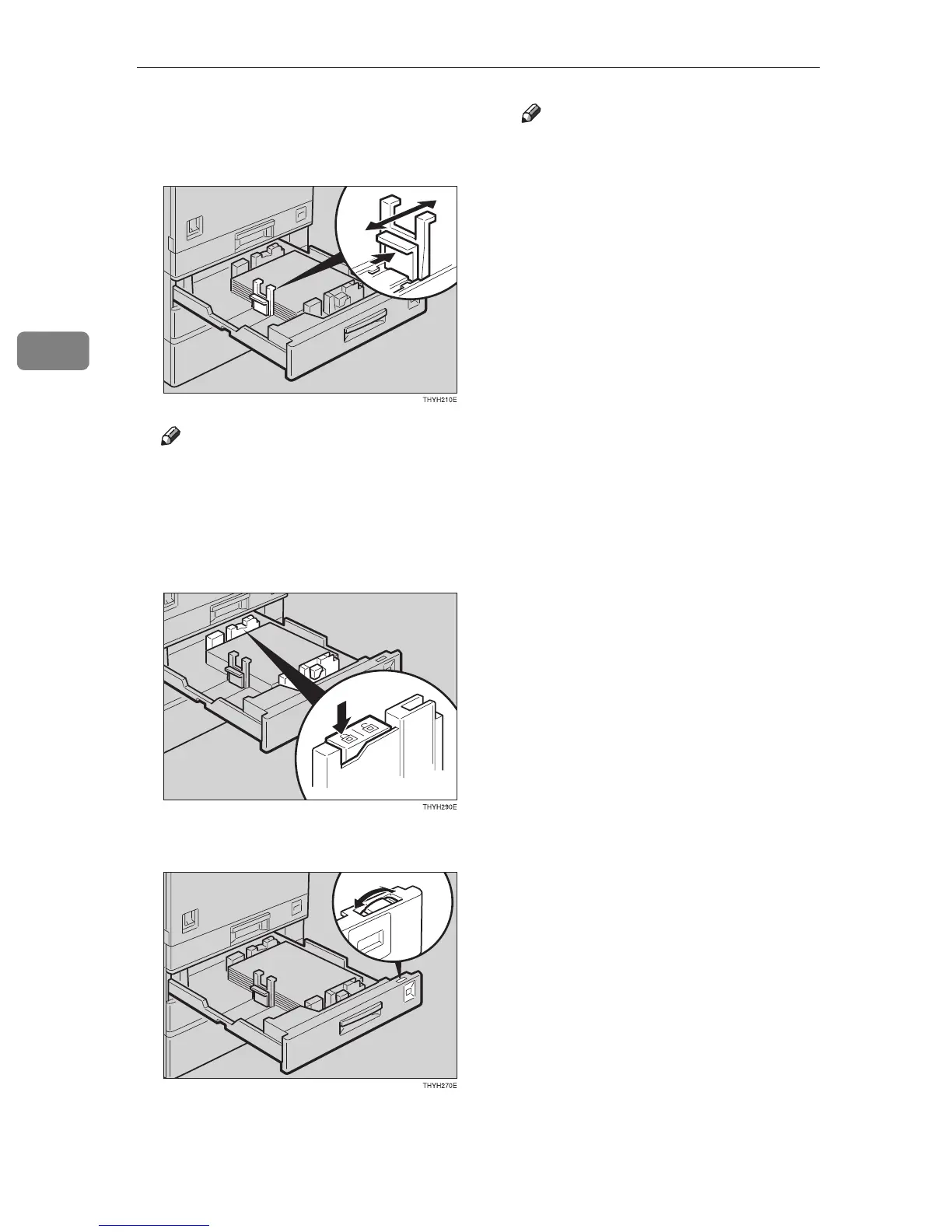
E While pressing the release levers
on the front and rear guides, slide
paper size you want to use.
Note
❒ When pressing the levers, push
them together.
F While pressing the release lever,
slide the left guide to the paper
size you want to use.
G Adjust the paper size selector.
Note
❒ The available paper sizes on the
paper size selector are shown
below. If the paper size you
need is not there, see “11.Special
Pap. Size” in the System Set-
tings.
• Metric version: A3L, A4KL,
11" × 17"L, 8
1
/
2
" × 14"L, 8
1
/
2
"
× 11"KL
• Inch version: A3L, A4KL, 11"
× 17"L, 8
1
/
2
" × 14"L, 8
1
/
2
" ×
11"KL



 To Next Page